

Creating a professional photography portfolio is essential for showcasing your work and attracting clients. With over half of U.S. consumers shopping online, your portfolio often serves as the first impression. Choosing the right platform can help you highlight your style, manage your business, and grow your career effectively. Here’s a quick look at some of the best tools available:
- Squarespace: Known for sleek designs and ease of use, it offers mobile-friendly templates and business management tools. Pricing starts at $16/month (annual billing).
- Adobe Portfolio: Ideal for photographers using Adobe tools like Lightroom, with plans starting at $9.99/month as part of the Creative Cloud subscription.
- Zenfolio: Offers tools for client galleries, booking, and print sales. Plans start at $5/month (billed annually).
- SmugMug: Provides unlimited storage and advanced customization. Pricing begins at $7/month (annual billing).
- Wix: A flexible platform with drag-and-drop functionality and a wide template library. Plans start at $17/month.
Each platform caters to different needs, from simplicity and integration to advanced business tools. Below is a quick comparison to help you decide.
Quick Comparison
| Platform | Starting Price (USD/month) | Storage | Key Strengths | Best For |
|---|---|---|---|---|
| Squarespace | $16 (annual billing) | Varies | Professional designs, e-commerce | Business-ready portfolios |
| Adobe | $9.99 (with Creative Cloud) | 20GB | Integration with Lightroom & Behance | Adobe users |
| Zenfolio | $5 (annual billing) | Unlimited | Client proofing, booking tools | Event/portrait photographers |
| SmugMug | $7 (annual billing) | Unlimited | Unlimited storage, Lightroom plugin | High-volume photographers |
| Wix | $17 | Varies | Customization, large template library | Flexible design needs |
Evaluate your goals, workflow, and budget to find the platform that aligns best with your photography career.
How to Build a Professional Photography Portfolio in Under 10 Minutes
1. Squarespace
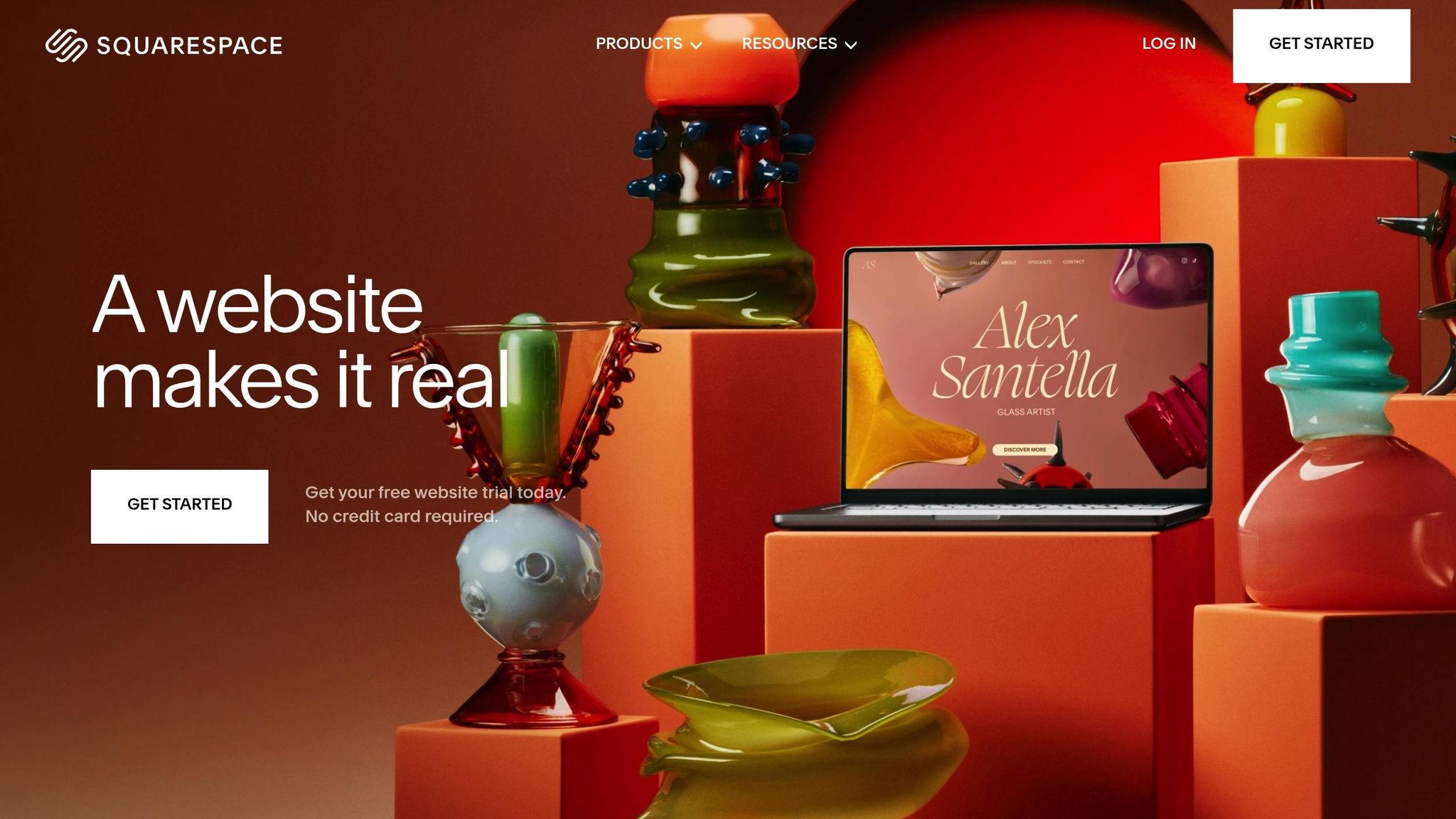
Squarespace has earned its reputation as a premium website builder tailored for visual artists, particularly photographers. With its sleek design options and user-friendly tools, it’s no wonder why so many creative professionals turn to this platform for building standout portfolios. In fact, it offers over 92 dedicated photography templates and has sold more than 7,000 templates overall, highlighting its popularity among artists.
Design Templates and Customization
Every Squarespace template is mobile-responsive, ensuring your portfolio looks polished and professional on any device. These templates are crafted to emphasize visuals while requiring minimal technical know-how.
The Fluid Engine editor takes customization to the next level. You can adjust Fit and Fill settings, add animations, overlap design elements, and even apply shaped crops to images. This flexibility allows photographers to create a portfolio that perfectly aligns with their creative vision.
Templates like Balboa, Gilden, and Matsuya cater to different styles, from minimalistic light designs to bold, darker themes. Features such as image grids, sliders, and lightbox functionality provide intuitive navigation and elevate the user experience.
Customization doesn’t stop at layouts. You can fine-tune colors, fonts, and other design elements to align with your personal or professional brand. These templates also support full-width images, slideshow galleries, and dedicated portfolio sections, ensuring your work takes center stage.
But Squarespace isn’t just about beautiful visuals – it also packs in essential tools to help you manage and grow your photography business.
Business and Client Management Features
Squarespace comes equipped with built-in SEO tools to help your site rank higher in search results. Gallery layouts are versatile, allowing you to incorporate text, buttons, and videos alongside your images.
Many templates include integrated online shop features, making it easy to sell prints or other products directly from your site. For instance, templates like Mycelium and Aue offer built-in e-commerce functionality, while Palmera includes a shopping cart icon for seamless client purchases.
"Squarespace is the best choice for anyone who needs strong visuals for their website. Their platform is specifically designed with a focus on visuals, offering incredible template designs with limitless customization options, stunning gallery styles, and perfect blog integration. As a visual artist, Squarespace is the only platform I would recommend for anyone whose business relies heavily on visuals." – Vative Creative
Pricing and Affordability
Squarespace offers four premium plans, with annual pricing ranging from $16 to $99 per month. The Basic plan, at $16/month, provides everything a photographer needs to create a professional portfolio. Monthly billing is also available at slightly higher rates.
All plans include mobile-friendly templates, a free custom domain for the first year, SSL security, and 24/7 customer support. Plus, you can take advantage of a 14-day free trial to explore the platform before committing.
| Plan | Annual Price | Monthly Price | Best For |
|---|---|---|---|
| Basic | $16/month | $21/month | Simple portfolios |
| Core | $23/month | $32/month | Growing businesses |
| Plus | $39/month | $48/month | Advanced features |
| Advanced | $99/month | $119/month | Large-scale operations |
Choosing an annual plan can save you up to 28% compared to monthly billing. The Basic plan includes a 2% transaction fee, but higher-tier plans eliminate these fees entirely.
2. Adobe Portfolio
After exploring Squarespace, let’s delve into another excellent choice for photographers: Adobe Portfolio. This platform is a go-to for professionals already using Adobe’s suite of creative tools, offering seamless integration with apps like Photoshop and Lightroom.
Integration with Editing Tools
One of Adobe Portfolio’s standout features is its direct connection with Adobe’s creative suite. If you’re working in Lightroom, you can import your photos directly into your portfolio without the hassle of exporting and re-uploading them manually. It also syncs with Behance, allowing you to showcase projects you’ve already published there. On top of that, Adobe Fonts is built right in, giving you access to thousands of typography options to enhance your portfolio’s look and feel. This tight integration makes updating and managing your portfolio incredibly efficient.
Design Templates and Customization
Adobe Portfolio offers a selection of responsive themes tailored for photographers and other creatives. These themes automatically adjust to fit any screen size, ensuring your work looks professional whether viewed on a desktop, tablet, or smartphone. Customization is straightforward and doesn’t require any coding knowledge.
Through an easy-to-use interface, you can tweak site-wide elements like fonts, colors, logos, navigation, and footers. The platform supports both multi-page and single-page layouts, so you can choose a design that best suits your work. You can even apply global settings for consistency across your site while making specific adjustments to individual pages, such as custom backgrounds or headers. Images are displayed in responsive grids that adapt beautifully to different devices. All of this flexibility helps you create a polished and visually appealing portfolio.
Pricing and Affordability
Adobe Portfolio is bundled with Adobe’s Creative Cloud subscription plans, making it a cost-effective option for those already using Adobe tools. The Behance Plan is priced at US$9.99 per month (with an annual commitment) and includes up to five portfolio sites, customizable themes, Adobe Fonts, and Behance Pro features.
For those who need access to Adobe’s full suite of creative apps, the Creative Cloud Pro plan costs US$69.99 per month. This plan includes over 20 desktop and mobile apps like Photoshop, Illustrator, Premiere Pro, and Acrobat, alongside Portfolio.
| Plan | Monthly Price | Portfolio Sites | Key Features |
|---|---|---|---|
| Behance | US$9.99 | Up to 5 | Portfolio, Adobe Fonts, Behance Pro |
| Creative Cloud Pro | US$69.99 | Up to 5 | Portfolio, 20+ Adobe apps, Adobe Fonts |
| Creative Cloud Standard | US$54.99 | Up to 5 | Portfolio, limited Adobe apps |
The Creative Cloud Standard plan offers a middle-tier option at US$54.99 per month, though it’s only available to existing customers or through customer service. However, some users have reported automatic upgrades to the more expensive Creative Cloud Pro plan.
If you’re already invested in Adobe’s ecosystem, Adobe Portfolio provides a seamless and efficient way to showcase your work while leveraging the tools you’re already familiar with.
3. Zenfolio
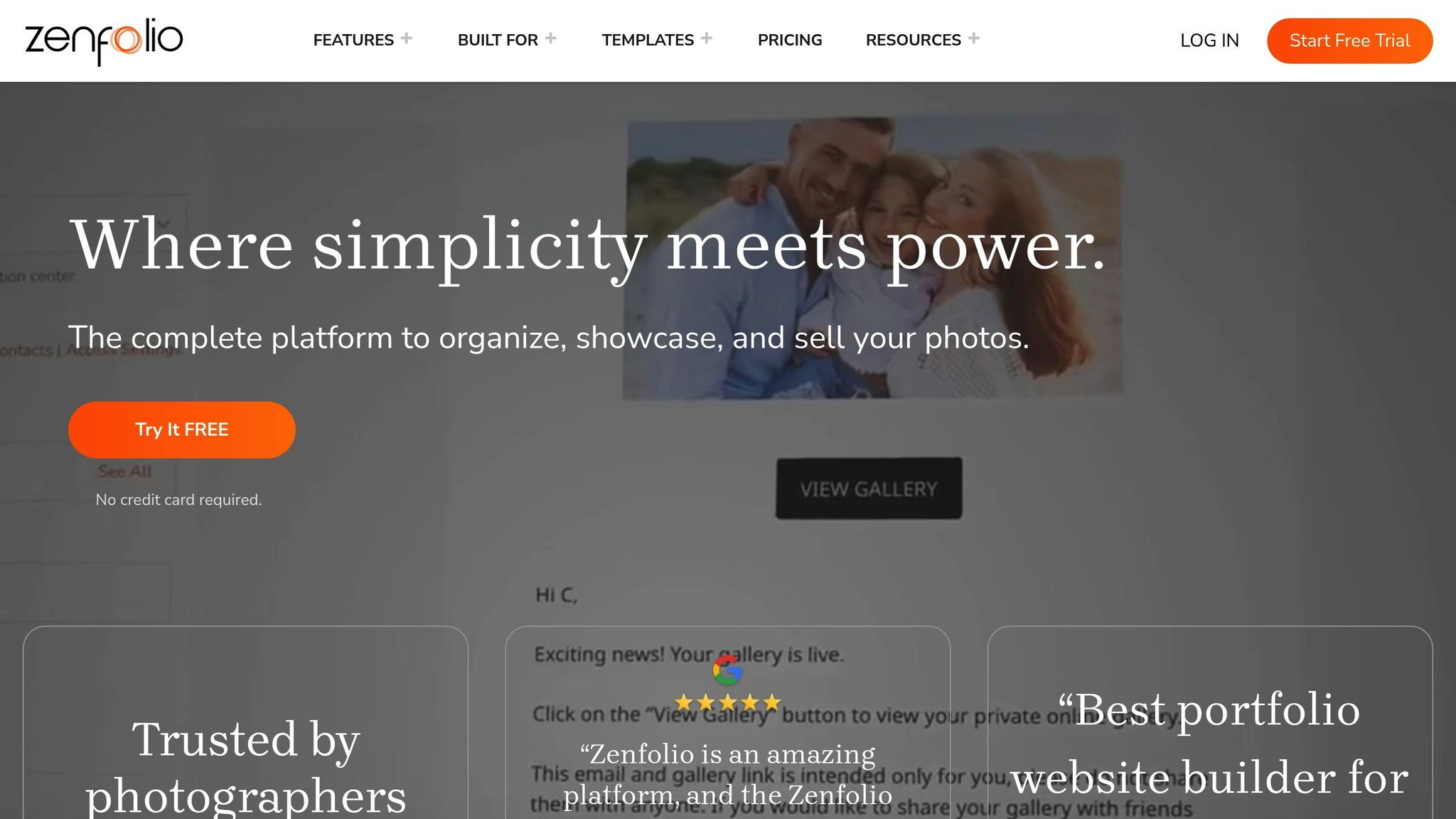
Zenfolio has been supporting photographers for nearly two decades, offering a mix of portfolio-building tools and business management features designed to streamline and elevate your photography business. Let’s dive into how Zenfolio’s templates, integrations, and client management tools can help you showcase your work and grow your brand.
Design Templates and Customization
Zenfolio provides a variety of website templates tailored to specific photography genres like weddings, portraits, landscapes, corporate events, fine art, and more. Among the popular options is the Rosalynd template, known for its clean and polished design.
Each template is crafted to suit different photography styles. For instance, the "Aloha" template captures the essence of destination photography with its island-inspired design, perfect for weddings and events. Meanwhile, "Brooke" emphasizes large, striking visuals, ideal for fine art, wildlife, and landscape photography. For those drawn to a vintage aesthetic, "Meriwether" combines a modern layout with a nostalgic nod to film photography, making it a great choice for weddings and special events.
Customization is a key feature. You can tweak layouts, colors, fonts, and button styles, and even reposition the navigation bar. Add your logo, connect a custom domain, and integrate Instagram feeds to make your site truly yours. Content blocks allow for easy organization of your portfolio. Plus, you’re not locked into one look – templates can be updated, and you can apply different layouts to individual pages or create custom themes [31–34].
"Really impressed by the selection of templates available and simplicity of using their versatile facilities to set up a website in exactly the style I wanted."
– Tony B.
Integration with Editing Tools
Zenfolio simplifies the editing process with its Lightroom Classic plugin, enabling direct uploads while keeping your gallery structure intact. For those looking to save time on photo curation, Zenfolio’s AI-powered PhotoRefine tool uses facial recognition and advanced algorithms to group similar images and pick the best ones. This feature is included in the ProSuite plan but is also available as a free trial for 30 days on other plans.
Business and Client Management Features
Zenfolio goes beyond just showcasing your work – it helps convert visitors into paying clients. Its business tools include client galleries for sharing and proofing images, automated marketing tools, and pre-designed email templates.
One standout feature is BookMe, an automated booking and scheduling tool that can save photographers up to 40 hours a month [34,39]. BookMe handles everything from scheduling and payment processing to automated gallery creation and eCommerce integration.
The platform’s dashboard is designed to save time on daily tasks. Features like gallery presets and customizable folder descriptions make it easy for clients to navigate your work. With 70% of customer interactions happening on mobile devices, Zenfolio ensures its tools work seamlessly across all devices. You can sell photos directly through your online store, create custom packages, offer discounts, and set up automated marketing campaigns.
"Zenfolio provides exactly what I needed in a professional image delivery platform. Security, affordability and professional looking galleries."
– Logan H.
Pricing and Affordability
Zenfolio offers three pricing plans – Portfolio, PortfolioPlus, and ProSuite – catering to businesses at different stages of growth. For photographers seeking an all-in-one solution, the ProSuite plan includes advanced features like PhotoRefine and the full BookMe system.
"I have been with Zenfolio for years. I highly recommend them to any photographer looking to grow their photography business."
– Kolecki Photography
Zenfolio CEO John Loughlin highlights the platform’s mission to combine aesthetics with functionality:
"A portfolio website needs to do more than look good – it has to produce for photographers by turning visitors into clients. That’s why Zenfolio offers one of the most powerful yet easy-to-use website design tools available."
– John Loughlin
sbb-itb-593149b
4. SmugMug
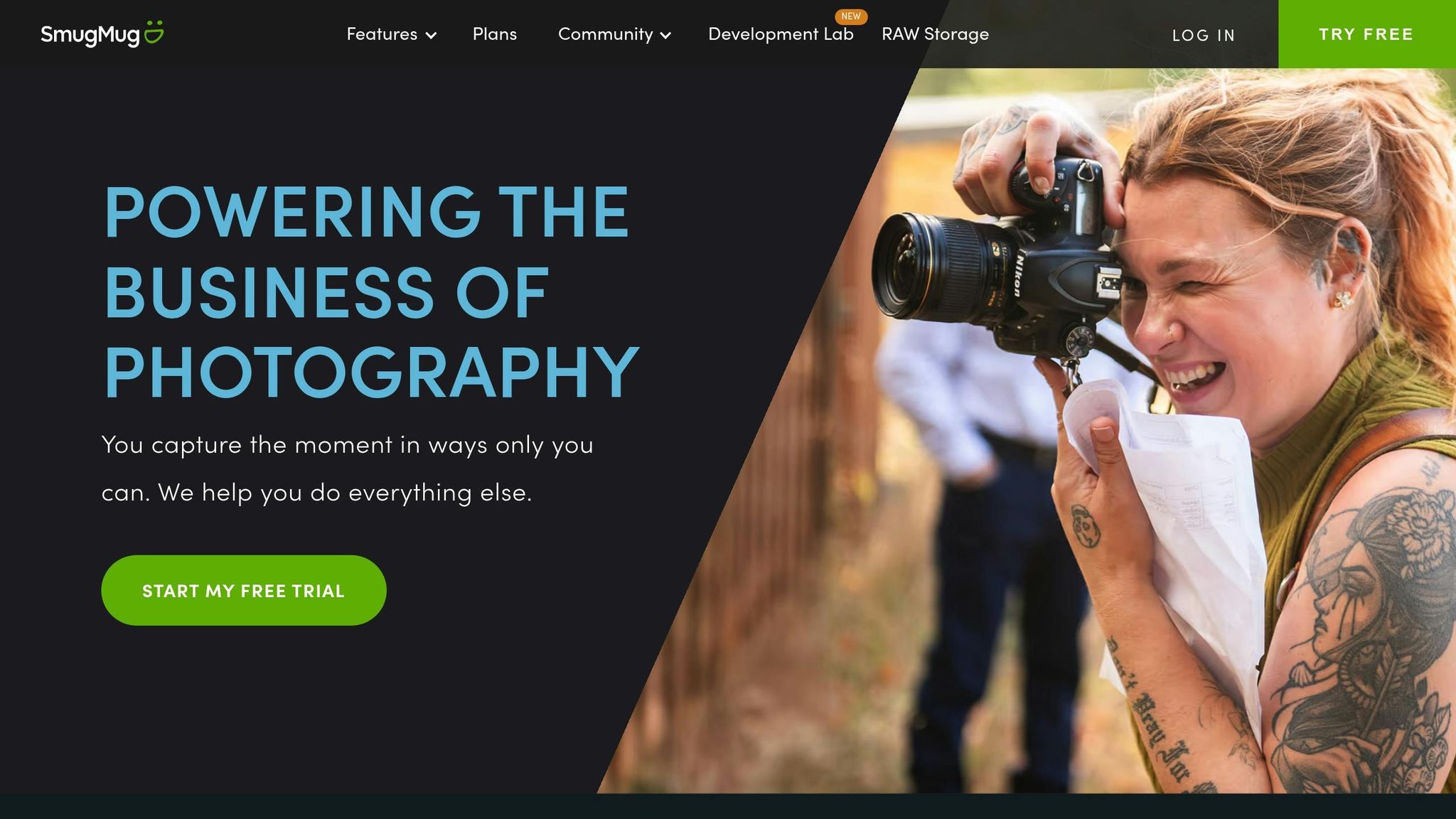
SmugMug stands out as a premium platform designed specifically for photographers who want to showcase their work with style and precision. With unlimited storage and extensive customization options, it gives users full control over how their portfolios are displayed.
Design Templates and Customization
SmugMug offers over 20 design templates, each customizable to match your personal style. You can tweak the design at various levels, including the entire site, homepage, folders, galleries, or even individual pages. The drag-and-drop interface makes it easy to rearrange elements without needing coding skills. For those who prefer starting from scratch, the Classic template provides a blank canvas. You can save custom variations and apply them across your site or to specific galleries. Advanced users can go a step further with full HTML and CSS customization. Plus, all designs are mobile-friendly, ensuring your portfolio looks great on any device.
Integration with Editing Tools
SmugMug simplifies your workflow by integrating seamlessly with Adobe Lightroom. Lightroom Classic users can upload images, make edits, create galleries, and manage client proofing directly within the software. Those using Creative Cloud enjoy automatic syncing for uploads and album settings. For RAW file management, SmugMug Source offers a handy add-on that lets you store, organize, and view RAW files across all your devices. Additionally, its built-in image editor allows for quick adjustments, including changes to titles, captions, keywords, watermarks, cropping, rotation, color effects, and even geotagging.
Pricing and Affordability
SmugMug operates on a premium pricing model with three plans tailored to different needs. The Direct plan, at $25 per month or $210 annually, covers essential portfolio features and is the most budget-friendly option. The Portfolio plan, priced at $31 per month or $246 annually, adds e-commerce tools for selling prints. For those needing advanced business features, the Pro plan is available at $45 per month or $384 annually. While SmugMug’s pricing is higher than some alternatives, all plans include unlimited storage. A 14-day free trial lets you explore its features before committing, and annual subscriptions offer savings of $90 to $156 depending on the plan.
Opinions on SmugMug are mixed. Many photographers appreciate its user-friendly interface and robust gallery options, but some have raised concerns about navigation difficulties and rising costs over time.
5. Wix

Wix is a go-to platform for photographers who want creative freedom without diving into technical complexities. Its drag-and-drop system and extensive customization features make it easy to craft a portfolio that reflects your personal style. Whether you’re a seasoned professional or just starting out, Wix makes it simple to update and refine your portfolio while maintaining a distinct visual identity.
Design Templates and Customization
Wix offers a wide selection of photography-specific templates, categorized into niches like product, wedding, event, food, and portrait photography, as noted by SiteBuilderReport. These templates are professionally designed with modern aesthetics in mind, and they’re fully customizable. You can tweak everything – from your main portfolio page to individual project layouts. Adjust backgrounds, gallery styles, hover effects, borders, shadows, and even animations to make your portfolio stand out. Plus, the Wix Pro Gallery lets you organize your work into neatly curated collections. These tools ensure that photographers can create a portfolio that’s both functional and visually striking.
Integration with Editing Tools
Wix doesn’t just stop at portfolio design – it also offers a suite of built-in editing tools. Through its Media Manager, you can access AI-powered features like auto-enhancement, background removal, upscaling, and object erasing. For additional control, Wix Photo Studio provides advanced features like filters, cropping, and rotation. Edited images are automatically saved for future use, streamlining your workflow.
"We started ADI, which is Artificial Design Intelligence. Starting from there, we understood how much AI can contribute to website building. And we started understanding the use cases and the best way to use AI to build websites and online businesses." – Guy Sopher, Wix’s head of AI Assistant
Wix Portfolio supports direct media uploads from multiple sources, including your computer, social networks, or even URLs. While earlier integrations with platforms like Instagram, Dribbble, and DeviantArt allowed automatic media syncing, new connections are no longer available as of April 2024. Existing integrations, however, remain functional. For those needing automated updates, third-party tools like Authory can fill the gap. Combined with its editing capabilities, Wix ensures photographers have everything they need to create and maintain a polished portfolio.
Pricing and Affordability
Wix offers flexible pricing plans to suit a range of needs and budgets. Plans start at $17 per month for basic portfolio features, making it a great entry point for emerging photographers. If you’re looking to sell your work online, the $29 per month Core plan includes e-commerce tools. For more advanced features, the Business plan ($39/month) or the Business Elite plan ($159/month) cater to professional needs. There’s also a free plan available, though it includes ads.
Business and Client Management Features
Beyond portfolio creation, Wix equips photographers with tools to manage their business. The Wix Art Store allows you to sell prints and digital downloads directly from your site, while Wix Photo Albums lets you create standalone galleries perfect for client proofing or event showcases. Need to schedule sessions? Wix Bookings integrates seamlessly, letting clients book appointments directly through your site.
"Choose a website builder that allows you to make fast pivots with your business needs. If one day to the next, you need to add events or an online store, make sure your website builder makes that possible for you." – Esin D. Habif, product marketing lead outbound at Wix
Platform Comparison Chart
Here’s a side-by-side look at key features to help you choose the right photography platform.
| Platform | Starting Price (USD/month) | Storage | Key Strengths | Best For |
|---|---|---|---|---|
| Squarespace | $16 (annual billing) | Varies by plan | Sleek, responsive templates, integrated e-commerce, and a centralized dashboard | Professional photographers building polished, business-ready sites |
| Adobe Portfolio | $9.99* (via Creative Cloud Photography plan) | 20GB with Photography plan | Seamless integration with Lightroom and Behance; unlimited pages | Adobe users seeking a smooth, connected workflow |
| Zenfolio | $5 (annual billing) | Unlimited | Client proofing, print lab integration, trusted by photographers for nearly 20 years | Event and portrait photographers needing client galleries |
| SmugMug | $7 | Unlimited (with 99.99% durability via Amazon S3) | Unlimited storage, 85% profit retention on sales, Lightroom plugin | High-volume photographers focused on storage and sales |
| Wix | $17 (Light plan) | Varies by plan | Huge template library and flexible customization | Creative photographers wanting design freedom |
*Requires Adobe Creative Cloud subscription
Let’s break it down further to help you decide.
Zenfolio and SmugMug offer some of the most affordable starting prices, with Zenfolio at $5/month (billed annually) and SmugMug at $7/month. Both platforms provide unlimited storage, which is a big draw for photographers managing large portfolios. SmugMug takes it a step further with Amazon S3 integration, ensuring secure and reliable storage.
For Adobe enthusiasts, Adobe Portfolio is a natural fit at $9.99/month as part of the Creative Cloud Photography plan. Its seamless integration with Lightroom and Behance makes it ideal for those already working within Adobe’s ecosystem.
When it comes to business tools, SmugMug and Zenfolio stand out. SmugMug allows photographers to retain 85% of profits from online photo sales, while Zenfolio has long been trusted for its client proofing and print lab integration – perfect for event and portrait photographers.
Customization is another key factor. Squarespace offers a balance of professional design and ease of use, with its elegant templates and all-in-one dashboard for managing design, marketing, and analytics. Adobe Portfolio keeps things simple and streamlined, while Wix caters to those who want maximum creative freedom with its expansive template library and customization options.
Each platform has its strengths, so consider your workflow, storage needs, and business goals to find the one that suits you best.
Conclusion
Creating a photography portfolio is about more than just showcasing stunning images – it’s about choosing the right platform to present your work in a professional and impactful way. Each platform brings something different to the table, catering to the diverse needs of photographers.
The best platform will align with your workflow, whether you prioritize features like easy client proofing, seamless integration with tools, or full creative control over your design. It’s also important to think ahead. Look for a platform that integrates smoothly with tools for SEO, e-commerce, and client management, ensuring it can handle growth in traffic and sales without slowing you down. As your business grows, having the option to expand storage or add advanced features can make all the difference.
Take the time to test these platforms and find one that complements your creative process and business goals. Whether you’re just starting out or looking to scale your photography career, the right portfolio platform can be a cornerstone of your success.
FAQs
What should I look for when choosing a platform to showcase my photography portfolio?
When choosing a platform for your photography portfolio, prioritize simplicity, customization, and how well it aligns with your goals and audience preferences. Look for platforms that provide professional design templates, mobile-friendly layouts, and support for showcasing high-resolution images – these are key to making your work shine.
You might also want features like branding tools, options to sell prints, or the ability to create private galleries for clients. A platform that’s easy to update and offers design flexibility will help keep your portfolio fresh and ensure it represents your work in the best possible way.
What are the key differences in customization options between Squarespace, Adobe Portfolio, and Zenfolio?
Squarespace offers versatile templates packed with design tools, allowing you to craft a portfolio that truly mirrors your personal aesthetic. It’s a top pick for anyone aiming for a sleek, professional appearance with plenty of layout and design flexibility.
Adobe Portfolio delivers a simplified, user-friendly platform with fewer customization options. However, it integrates effortlessly with Adobe tools like Lightroom and Photoshop, making it an excellent option for photographers already immersed in Adobe’s software suite.
Zenfolio prioritizes simplicity and functionality, featuring customizable templates, though its design capabilities are not as advanced as Squarespace. Where it truly stands out is in its photography-specific tools, such as e-commerce options and client proofing. This makes it an ideal choice for photographers looking to sell prints or manage client galleries efficiently.
Can I add e-commerce features to my photography portfolio to sell prints or services?
Yes, adding e-commerce features to your photography portfolio is straightforward. This allows you to sell prints, digital downloads, or services directly from your site. Popular website builders like WordPress, Squarespace, and Pixieset come with built-in tools or integrations designed specifically for photographers to set up online stores.
For even more options, platforms like Shopify let you embed a "Buy Button" into your portfolio. This feature makes it easy to sell your work not only on your site but also through external blogs or other websites. These tools let you showcase your artistry while earning from it effortlessly.