
Managing your money doesn’t have to be complicated. Personal finance apps can help you budget, save, track expenses, and even invest – all from your phone. Here’s a quick rundown of the 12 best apps to take control of your finances:
- Mint: Free budgeting tool with account aggregation, spending insights, and alerts.
- YNAB (You Need A Budget): Focuses on zero-based budgeting to assign every dollar a purpose.
- Personal Capital (Empower): Tracks investments, analyzes fees, and helps plan for retirement.
- EveryDollar: Simplifies zero-based budgeting with bank syncing and custom categories.
- PocketGuard: Automates budgeting and shows how much you can safely spend.
- Goodbudget: Digital version of the envelope budgeting method for planning ahead.
- Acorns: Turns spare change into investments automatically.
- Robinhood: Commission-free stock and ETF trading, with tools for beginner investors.
- Honeydue: Designed for couples to manage shared and individual finances.
- Zeta: Helps couples track joint and personal budgets with privacy controls.
- Simplifi by Quicken: Offers a real-time financial dashboard and smart spending plans.
- Spendee: Features multi-currency support and shared wallets, great for travelers.
Quick Comparison
| App | Best For | Cost | Key Features |
|---|---|---|---|
| Mint | Overall budget tracking | Free | Spending analysis, alerts, goal tracking |
| YNAB | Detailed budget planning | $11.99/month or $84/year | Zero-based budgeting, real-time sync |
| Personal Capital | Investment management | Free (basic); 0.89% assets fee | Portfolio tracking, retirement planning |
| EveryDollar | Zero-based budgeting | Free (basic); Premium available | Custom budgeting categories |
| PocketGuard | Expense optimization | Free (basic); $4.99/month or $34.99/year | Automates spending tracking |
| Goodbudget | Envelope budgeting | Free (basic); $7/month or $60/year | Debt tracking, financial planning |
| Acorns | Automated investing | $1–$5/month | Round-up investing, diversified portfolios |
| Robinhood | Stock trading | Free (basic); $5/month Gold | Commission-free trading, fractional shares |
| Honeydue | Couples | Free | Shared accounts, bill reminders |
| Zeta | Couples’ privacy | Free | Joint/personal budgets, split transactions |
| Simplifi by Quicken | Comprehensive tracking | $5.99/month or $3.59/month (annual) | Spending plans, bill tracking |
| Spendee | International users | Free (basic); Premium available | Multi-currency support, shared wallets |
These apps cater to different needs – budgeting, saving, investing, or managing shared finances. Pick one that aligns with your goals and start simplifying your financial life today.
Best Budgeting Apps 2025 // Top 15 out of 40
How We Chose These Apps
We looked at six key factors to evaluate each app:
- Security: Includes 256-bit encryption, multi-factor authentication, biometric login, FDIC insurance, and auto-logout features.
- Connectivity: Offers automatic syncing with banks and cards, plus the option for manual entry if needed.
- Core Tools: Covers essentials like budgeting, expense tracking, bill reminders, and spending insights.
- Pricing: Features a free tier along with paid plans (ranging from $1 to $11.99) that deliver good value for their cost.
- Usability: Designed with an intuitive interface for easy setup and seamless daily use.
- Special Features: Includes options like investment reviews, couples’ budgeting, automated savings, and in-app educational resources.
These apps meet all the criteria while bringing their own strengths to help with budgeting, tracking, or building wealth.
Now, let’s dive into our top picks.
1. Mint

Mint stands out as a budgeting tool that connects seamlessly with your bank, credit, and retirement accounts, offering a range of features to help you manage your finances.
Here’s what Mint does:
- Creates tailored budgets based on your spending habits
- Sends reminders for upcoming bills and alerts for low balances
- Tracks investments and retirement accounts in one place
- Offers free credit scores and detailed summaries
- Notifies you about ATM fees, overspending, or suspicious activity
While Mint is free to use, it does display ads and may occasionally miscategorize transactions.
One of its key features is providing a clear view of your monthly spending, helping you spot trends and adjust your budget as needed. Up next: YNAB and its zero-based budgeting method.
2. YNAB (You Need A Budget)
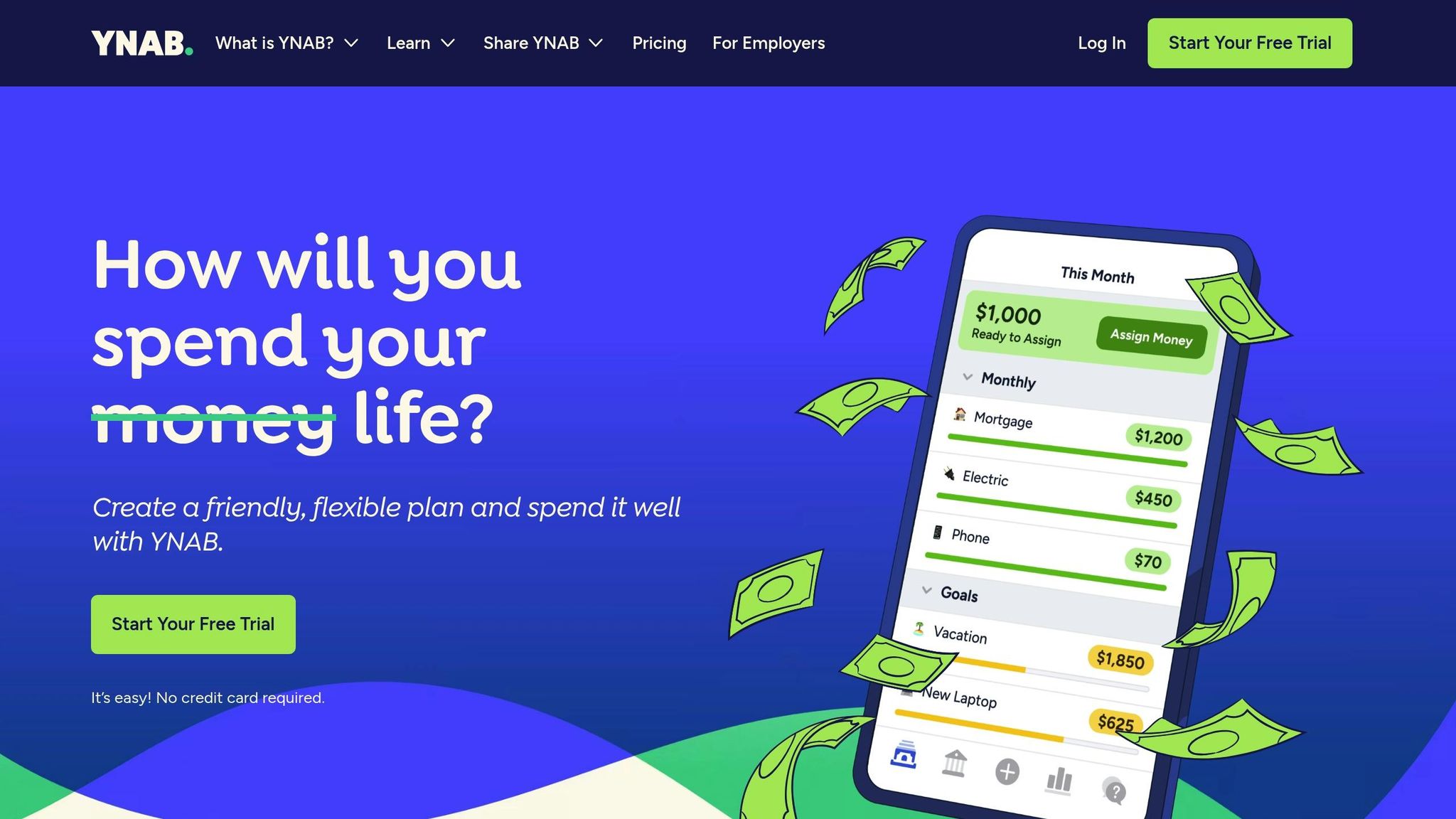
YNAB uses a zero-based budgeting system, meaning every dollar you earn is assigned a specific purpose. This method encourages mindful spending and helps build better financial habits. On average, YNAB users save $600 in their first month and $6,000 within the first year. Additionally, 90% of users report improved finances, 92% experience less stress, and 93% would recommend YNAB to others. By streamlining decisions for daily expenses, emergency funds, and long-term goals, YNAB helps users feel more in control of their money. Up next: Personal Capital
3. Personal Capital

Personal Capital, now known as Empower, brings together investment tracking and financial planning in one convenient dashboard. It stands out with tools designed to help you manage your investments and plan for retirement.
- Investment Checkup: Reviews your portfolio and suggests ways to improve it.
- Fee Analyzer: Uncovers hidden fees in your investments.
- Retirement Planner: Combines all your accounts to provide tailored retirement advice.
- Net Worth Tracker: Gives you a clear view of your assets and liabilities.
- Savings Planner: Helps you set and track savings goals.
- Socially Responsible Investing: Lets you align your investments with your personal values.
Empower also provides access to professional services for managing investments and planning retirement. Up next, EveryDollar offers a zero-based budgeting approach to simplify expense management.
4. EveryDollar

EveryDollar uses zero-based budgeting and lets you auto-import transactions by linking your bank accounts. According to users, it can help trim expenses by up to 9% and free up an average of $395 per month to tackle debt.
Key Features:
- Unlimited categories to customize your budget
- A clear overview of all your financial accounts in one place
- Tools for saving intentionally and spending without guilt
- Easy-to-use mobile expense tracking
"This budgeting app was life-changing! It helped me get out of debt, save money, and truly understand where my money goes. If you aren’t budgeting, this will be your lifesaver!"
- Amber B.
EveryDollar has a free version, as well as a premium subscription that includes a 14-day free trial.
Coming up: PocketGuard helps you make the most of your everyday spending.
5. PocketGuard
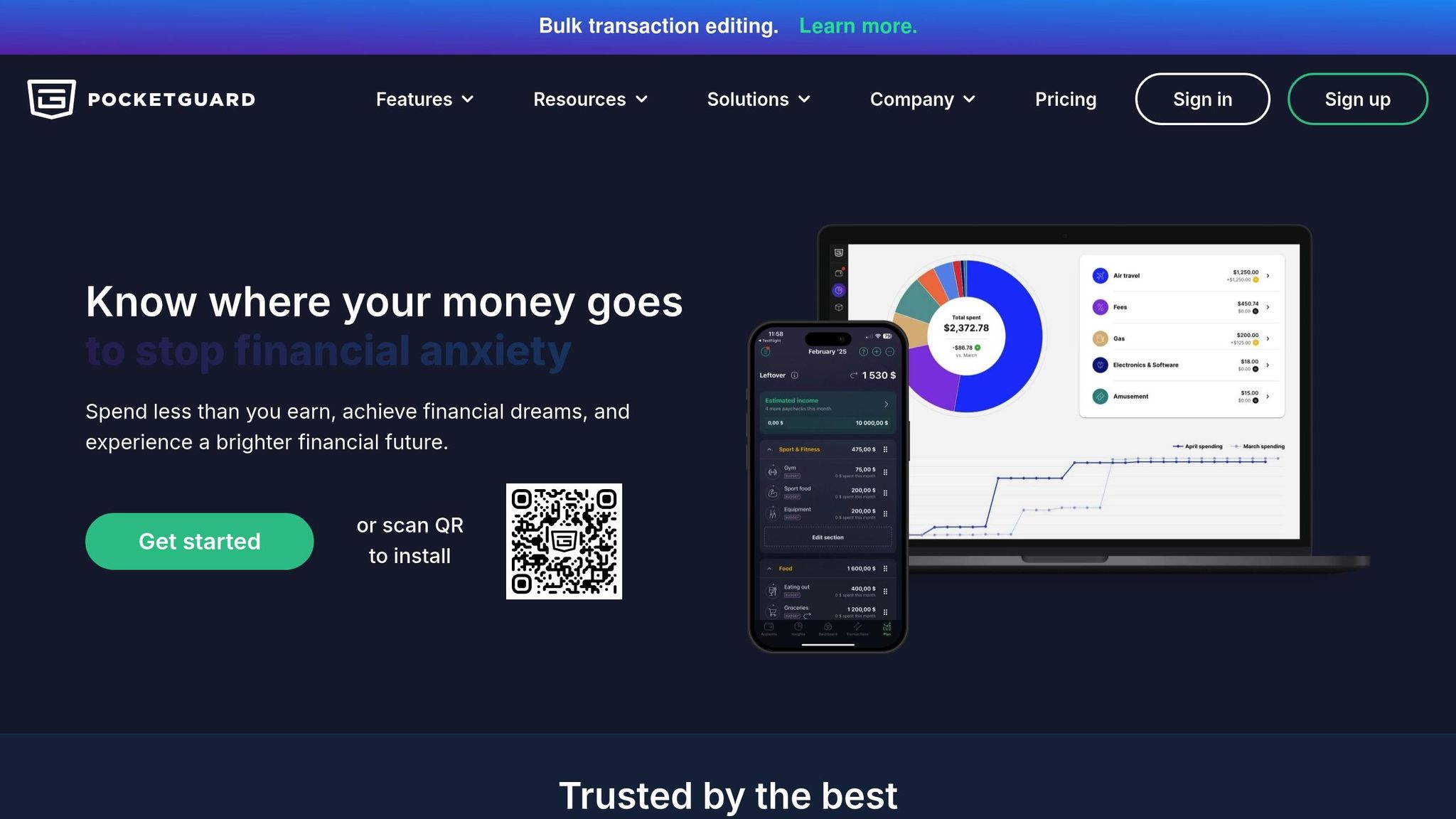
PocketGuard takes a different approach from EveryDollar by focusing on automation to manage your spending. This app has a 4.7-star rating based on over 12,000 reviews. Instead of manual input, PocketGuard simplifies budgeting by automating much of the process.
Key Features:
- "In My Pocket" shows how much spendable cash you have after accounting for bills and necessities.
- Alerts you when you’ve used 50% of your budget to help prevent overspending.
- Tracks bills and subscriptions automatically.
- Allows you to create custom categories for more personalized budgeting.
- Helps you set savings goals and track your progress.
With PocketGuard, a quick 2-minute daily check-in is enough to stay on top of your finances.
The app offers a clear view of your financial situation by automating expense tracking, monitoring bills, and letting you manage budgets tailored to your needs. PocketGuard has received praise from financial experts, with Forbes Advisor naming it one of the Best Budgeting Apps.
Next up: Goodbudget and how it brings the envelope method into the digital age.
6. Goodbudget

Goodbudget brings a modern twist to the classic envelope budgeting system. It lets you divide your monthly income into virtual envelopes for categories like rent, groceries, or entertainment, ensuring you assign every dollar a purpose before spending it. Unlike automated trackers, this app encourages you to plan ahead by allocating funds upfront.
Real-Time Updates for Households
Goodbudget syncs across all devices, so everyone in your household stays on the same page. Spending updates instantly, making it easy to track where your money is going.
"We’ve saved money, been on time for all of our bills, and haven’t argued over if we can afford something or not." – Steven
Key Features for Smarter Planning:
- Create envelopes for big expenses to plan ahead
- Track debt payments alongside daily expenses
- Set and monitor savings goals
Goodbudget doesn’t just track your spending – it helps you stay on top of your financial goals. Its envelope system gives you a clear picture of your limits, making it easier to avoid overspending and make better financial choices.
Next, we’ll dive into Acorns, an app that takes a completely different route by focusing on micro-investing.
sbb-itb-593149b
7. Acorns
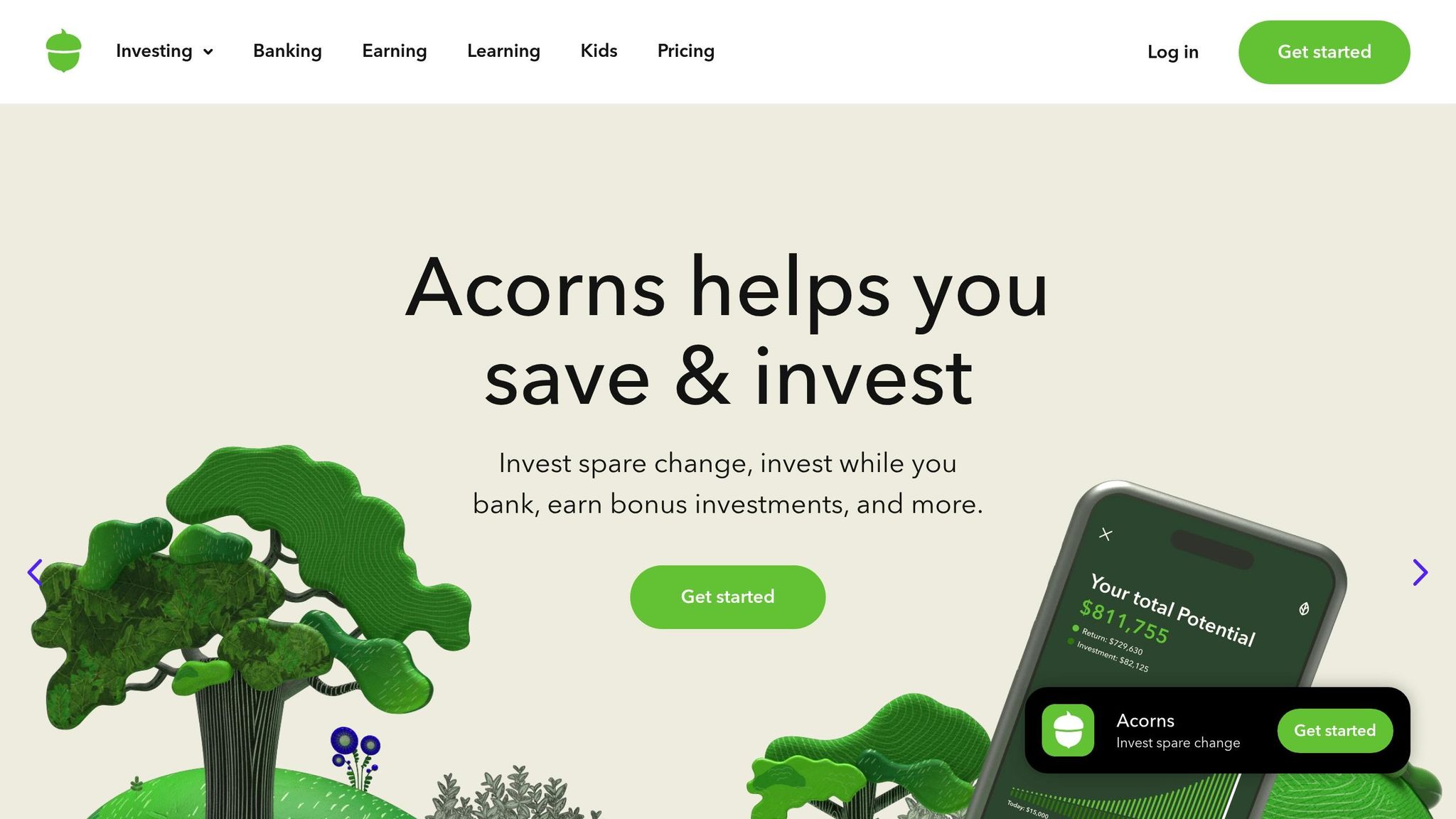
Once you’ve got a handle on budgeting and saving, Acorns is a great next step for dipping into passive investing. Unlike other apps that focus on tracking and allocating your money, Acorns turns your spare change into investments automatically.
The app works by rounding up your card purchases to the nearest dollar and investing that spare change once it hits $5. To date, users have invested over $250 million just from their spare change.
How It Works
Acorns offers diversified portfolios built by experts, featuring ETFs from well-known names like Vanguard and BlackRock. These portfolios are designed to spread out risk while aiming for solid returns.
On average, users invest around $150 in their first four months and rounded up $166 between January and April 2021. Want to grow your investments faster? You can use 2×–10× multipliers for Round-Ups®, or if you have an Acorns Visa® card, every swipe invests automatically for Checking account holders.
Getting Started
- Link your checking account and cards
- Turn on Round-Ups® and choose a multiplier
"Think of it as investing small amounts regularly, in the background of life." – Acorns
8. Robinhood
Robinhood takes stock-market investing to the next level, building on the automated spare-change investment model popularized by Acorns. With over 24 million users and approximately $140 billion in managed assets, Robinhood delivers a simplified way to trade and invest.
Key Features
- Commission-Free Trading: Trade stocks, ETFs, options, and even fractional shares starting at $1.
- Advanced Tools: Use the web platform for charting, technical indicators, and access to Robinhood Legend research tools.
- Efficient Order Execution: Around 95% of orders are executed at or above the NBBO, saving users an average of $2.46 per 100 shares.
- Gold Membership: For $5/month, enjoy perks like 4.00% APY on uninvested cash, $1,000 margin, Morningstar reports, and a 3% IRA match.
- Educational Resources: Stay informed with the daily Robinhood Snacks newsletter, tutorials, market news, and trading insights.
With a 4.6-star rating on the App Store, Robinhood has proven to be a favorite for users seeking an easy-to-navigate trading platform.
9. Honeydue
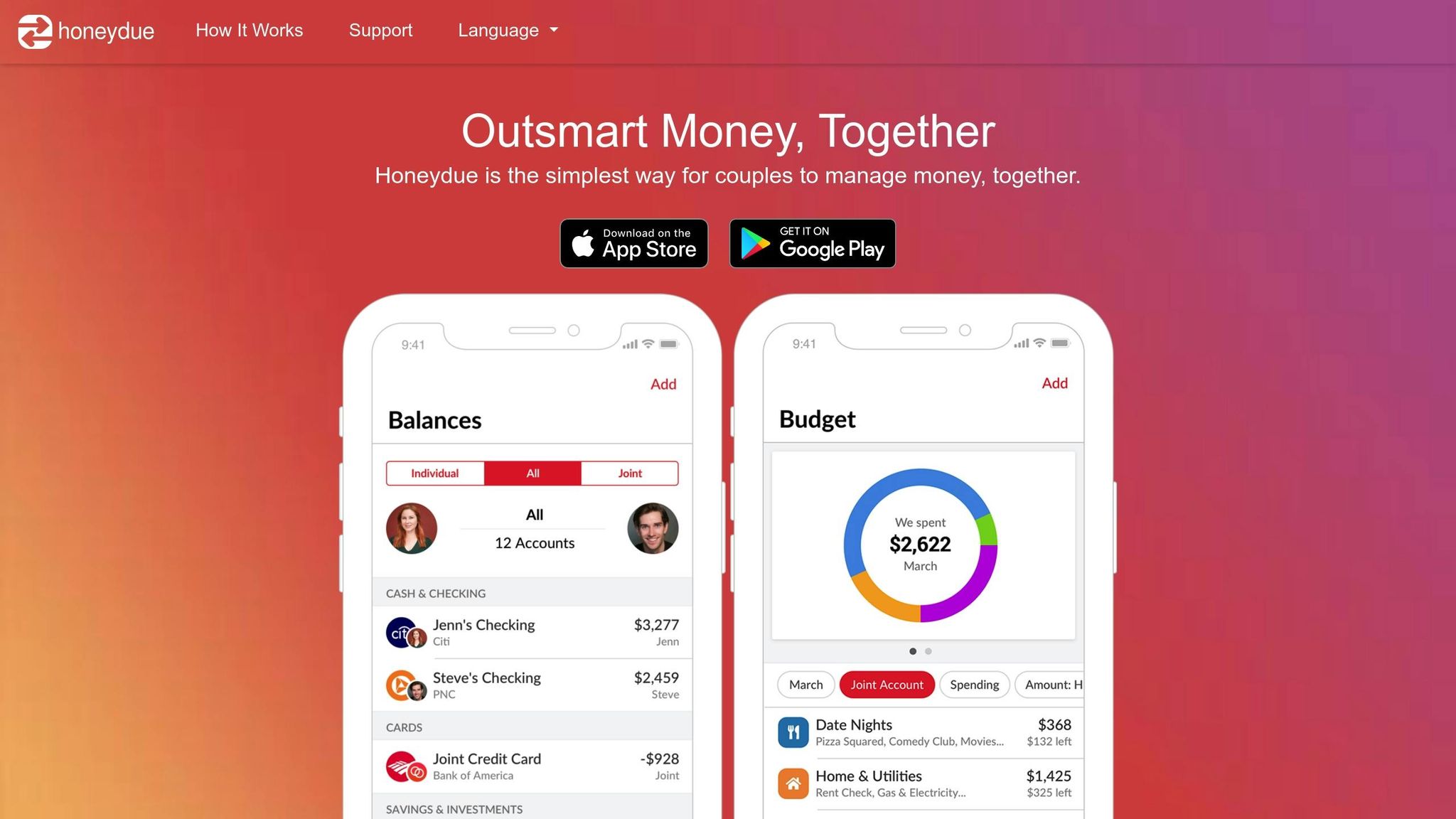
Honeydue is designed to make managing money easier for couples. Inspired by Goodbudget’s shared-envelope system, it emphasizes real-time collaboration and transparency. The app connects with over 20,000 financial institutions across five countries.
Key Features
Honeydue offers tools tailored for shared financial management:
- Customizable account visibility: Partners can choose which accounts to share or keep private.
- Automated bill reminders: Helps prevent late payments and associated fees.
- Spending categories: Automatically organizes transactions and allows monthly spending limits.
- In-app chat: Partners can discuss transactions and financial goals directly within the app.
- Security features: Includes bank-level encryption, SSL/TLS, passcode/Touch ID, and multi-factor authentication.
What Makes It Stand Out
Honeydue has received strong ratings across major app platforms: 4.5 stars on the Apple App Store (9.3K ratings) and 4.2 stars on Google Play (2.62K reviews).
"HoneyDue makes it easy to strike the perfect balance when combining finances." – Forbes
Next: Learn how Zeta helps partners and individuals manage both joint and separate finances.
10. Zeta
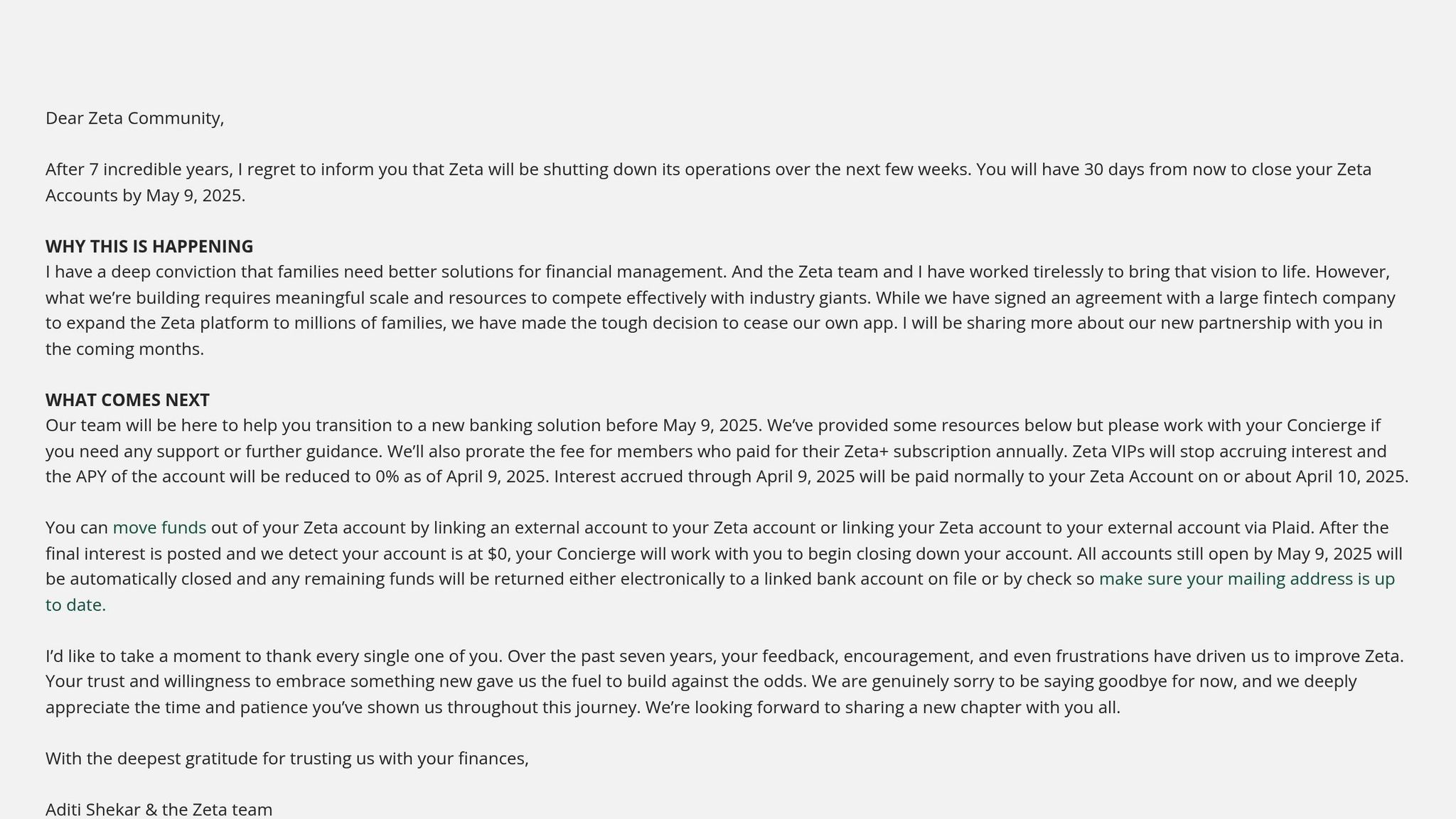
Zeta is designed for couples who want to manage their finances together while maintaining control over their privacy. Building on Honeydue’s collaborative features, Zeta connects with over 10,000 banks across the U.S. and Canada, making it easy to track and manage shared finances in real time.
What sets Zeta apart is its focus on privacy and flexibility. Here’s what it offers:
- Joint and Personal Budgets: Manage both shared and individual budgets to keep track of expenses and savings.
- Split Transactions: Easily tag or divide purchases to clarify who paid for what.
- Automated Bill Reminders: Stay on top of upcoming bills and ensure timely payments.
- Goal Setting: Define and monitor financial goals as a team.
- Privacy Controls: Adjust sharing settings to your comfort level and revoke access instantly if needed.
Zeta prioritizes security with features like tokenization, two-factor authentication, and Plaid integration.
According to Zeta, "Zeta makes it possible to merge what’s shared, protect what’s personal, and work together to make your joint money work harder for you both."
This approach allows couples to collaborate on finances while keeping personal details private.
Next, we’ll look at Simplifi by Quicken and its streamlined financial tools.
11. Simplifi by Quicken
Simplifi by Quicken links to over 14,000 U.S. financial institutions, giving you a full picture of your finances in one place.
Its spending plan adjusts automatically based on your transactions, helping you stay on top of your daily spending.
Key Features:
- Real-Time Financial Dashboard: Pulls together accounts to show your income, expenses, and investments at a glance.
- Customizable Spending Plan: Automatically updates your daily spending allowance.
- Investment Tracking: Keeps tabs on performance, cost basis, and real-time quotes.
- Net Worth Calculator: Uses Zillow data to include home values in your net worth.
- Bill & Subscription Management: Organizes recurring expenses and tracks due dates.
"I love how easy Simplifi is. Almost all entries are automated, so there isn’t much effort needed to maintain your finance data." – Joseph
Plans start at $3.99/month (billed annually) and include investment tracking and personalized reports. Simplifi helps you take control of your finances with tailored insights and easy tracking.
12. Spendee
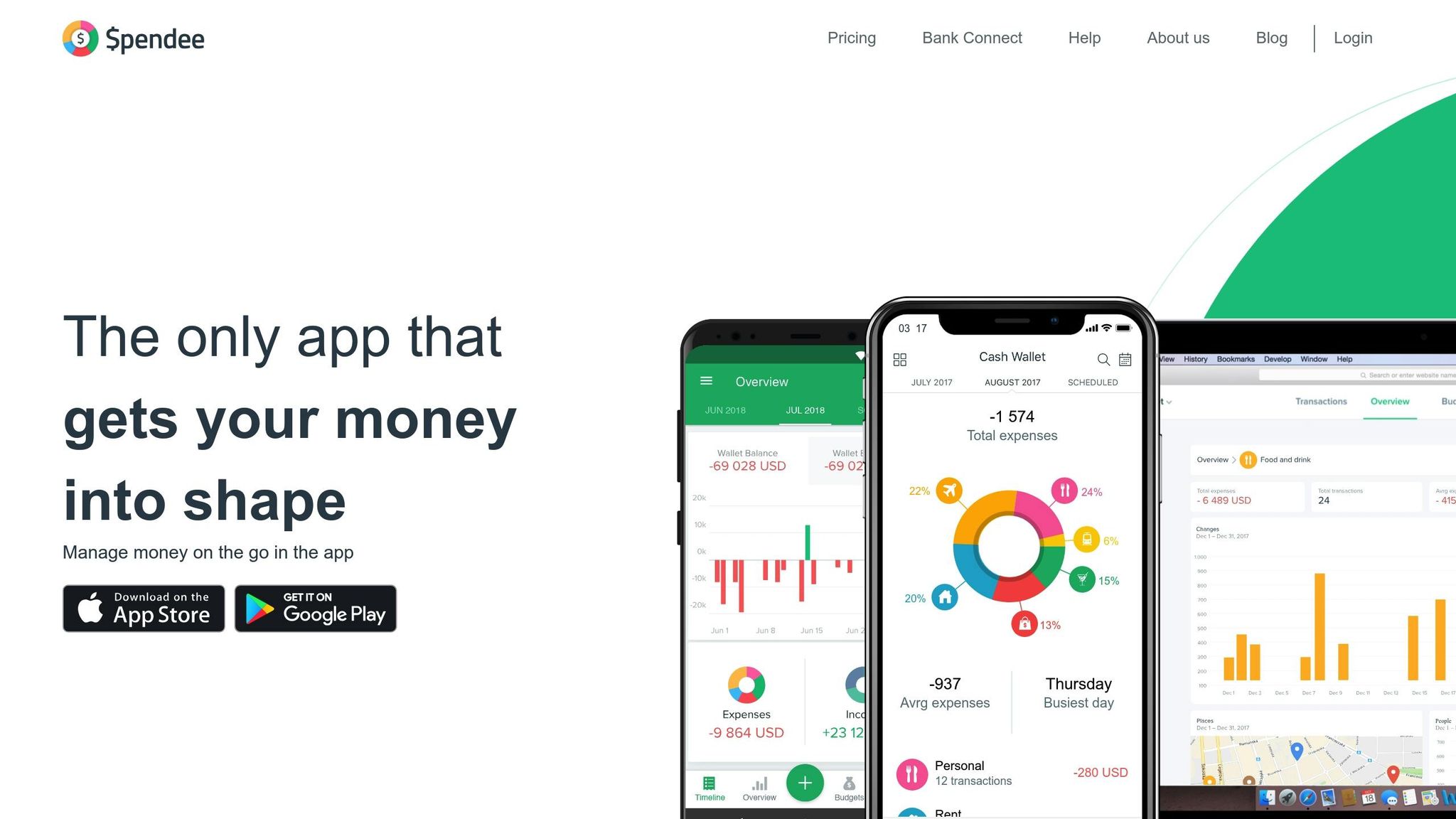
Spendee makes it easier to track expenses and manage budgets with its user-friendly visuals and tools for group collaboration.
Key Features:
- Multi-Currency Support: Manage finances in different currencies, perfect for international spending.
- Smart Budget Tracking: Automatically sorts transactions, lets you set budgets, and sends real-time alerts.
- Shared Wallets: Coordinate group expenses with syncing and automatic backups.
- Bank Integration: Connects to bank accounts, crypto wallets, and e-wallets for seamless tracking.
- Visual Reports: Analyze spending habits through customizable charts.
Spendee keeps your financial data accessible with cross-device syncing and secure backups. Its multi-currency functionality is especially helpful for frequent travelers or anyone managing international finances.
App Features at a Glance
Here’s a quick comparison of the apps we reviewed, highlighting their key features, costs, and ideal users:
| App Name | Features | Cost | Best For |
|---|---|---|---|
| Mint | Account aggregation, custom alerts, spending analysis, goal tracking | Free | Overall budget tracking |
| You Need A Budget (YNAB) | Zero-based budgeting, real-time sync, educational resources | $11.99/month or $84/year | Detailed budget planning |
| Personal Capital | Investment tracking, fee analysis, portfolio management | Free (basic); 0.89% assets fee | Investment management |
| EveryDollar | Zero-based budgeting, bank sync, custom categories | Free (basic); Premium available | Zero-based budgeting |
| PocketGuard | ‘In My Pocket’ spendable balance, bill negotiation, insights | Free (basic); $4.99/month or $34.99/year | Expense optimization |
| Goodbudget | Envelope budgeting, debt tracking, financial education | Free (basic); $7/month or $60/year | Envelope budgeting |
| Acorns | Round-up investing, automated portfolios, educational content | $1–$5/month | Automated investing |
| Robinhood | Commission-free trading, fractional shares, research tools | Free (basic); $5/month for Gold | Stock trading |
| Honeydue | Shared accounts, bill reminders, joint banking | Free | Couples |
| Zeta | Joint/personal budgets, split transactions, privacy controls | Free | Couples’ privacy |
| Simplifi by Quicken | Smart spending plan, bill tracking, custom reports | $5.99/month or $3.59/month (annual) | Comprehensive tracking |
| Spendee | Multi-currency support, shared wallets, visual reports | Free (basic); Premium available | International users |
Common Features
Most of these apps support bank account integration and transaction categorization. A few standouts include YNAB, which offers a year-long free trial for college students, and Acorns, designed with young investors in mind.
Ready to choose? Use this table to find the app that matches your needs, then check out our Getting Started Guide below for setup tips.
Next up: our step-by-step guide to setting up your chosen app. Let’s get started!
Getting Started Guide
Secure your account, link your financial accounts, personalize your dashboard, and keep an eye on activity to make the most of your app.
Step 1: Initial Setup and Security
Before connecting any accounts, prioritize these security measures:
- Enable two-factor authentication (2FA) for added protection.
- Use strong, unique passwords for your account.
- Set up biometric login if your device supports it.
- Turn on automatic logout after periods of inactivity.
- Review and adjust your privacy settings and permissions.
Step 2: Connect Your Accounts
To get a full picture of your finances, link your checking, savings, credit, and investment accounts. Users who link all their accounts report 34% higher satisfaction and are 56% more likely to keep using the app long-term.
When linking accounts:
- Connect directly to your bank, not through third-party services.
- Ensure each connection meets high-security standards.
- Check how often accounts refresh and sync.
- Review how transactions are categorized for accuracy.
Step 3: Customize Your Dashboard
Personalizing your dashboard can make a big difference. Users who do this check their app 3.7× more often and make 23% better financial decisions.
Here’s how to tailor it to your needs:
- Create custom spending categories.
- Set budget limits that match your goals.
- Enable bill payment reminders.
- Define savings and investment objectives.
- Adjust notification preferences to stay informed without feeling overwhelmed.
Step 4: Verify and Monitor
Once your setup is complete, confirm everything is running smoothly:
- Go over your first week of transactions. While advanced apps categorize with 85%+ accuracy, double-check for errors.
- Set up alerts for large purchases, upcoming bills, low balances, or suspicious activity.
- Enable automatic updates and read release notes to keep your app functioning at its best.
Next, focus on maximizing the app’s benefits and resolving any issues that arise.
Maximizing App Benefits
To get the most out of your app:
- Use automated bill payment reminders to avoid late fees – this can reduce late payment charges by 23%.
- Track your savings and financial goals. Visual goal-setting can improve success rates by up to 42%.
- Keep notifications on; timely alerts can lead to a 47% increase in positive financial habits.
Troubleshooting Tips
If you experience any problems, reach out to customer support. Apps with responsive support teams see 31% higher retention rates and 28% more positive reviews.
Summary
These apps simplify managing your finances by handling tasks like budgeting, bill payments, debt reduction, spending alerts, and savings. Choose the app that aligns with your main financial goal: Mint or Personal Capital for tracking everything in one place, Honeydue for managing money as a couple, YNAB for planning your budget ahead of time, or Acorns for hands-off investing. Start by identifying your top priority, pick an app from the comparison table, follow the setup instructions, and adjust your tools as your financial situation changes.
