
- Grammarly Pro: Best for business professionals with real-time error detection, tone adjustments, and team features. Starts at $12/month (annual plan).
- ProWritingAid Premium: Ideal for authors and long-form writers with detailed writing analysis and lifetime pricing ($399 one-time option).
- QuillBot AI Suite: Great for students and academics, offering paraphrasing and grammar tools. Free plan available; Premium starts at $4.17/month (annual plan).
- Hemingway Editor Plus: Simplifies writing for clarity and readability. Affordable at $8.33/month (annual plan).
- Wordvice AI: Tailored for academic writers with free and premium options ($9.95/month for advanced features).
Quick Comparison:
| Tool | Monthly Price (Annual) | Best For | Key Features | Free Plan |
|---|---|---|---|---|
| Grammarly Pro | $12 | Business professionals | Real-time feedback, tone detection | No |
| ProWritingAid | $10 | Authors | In-depth analysis, lifetime option | No |
| QuillBot AI Suite | $4.17 | Students, academics | Paraphrasing, content restructuring | Yes |
| Hemingway Plus | $8.33 | Readability-focused | Sentence simplification, clarity tools | No |
| Wordvice AI | Free | Academic writers | Advanced style editing, free tools | Yes |
These tools save time, improve clarity, and fit various budgets. Whether you’re a student, professional, or author, there’s an option to refine your writing with ease.
Top 3 AI Tools to Proofread Your Writing! #shorts #writingtips
1. Grammarly Pro
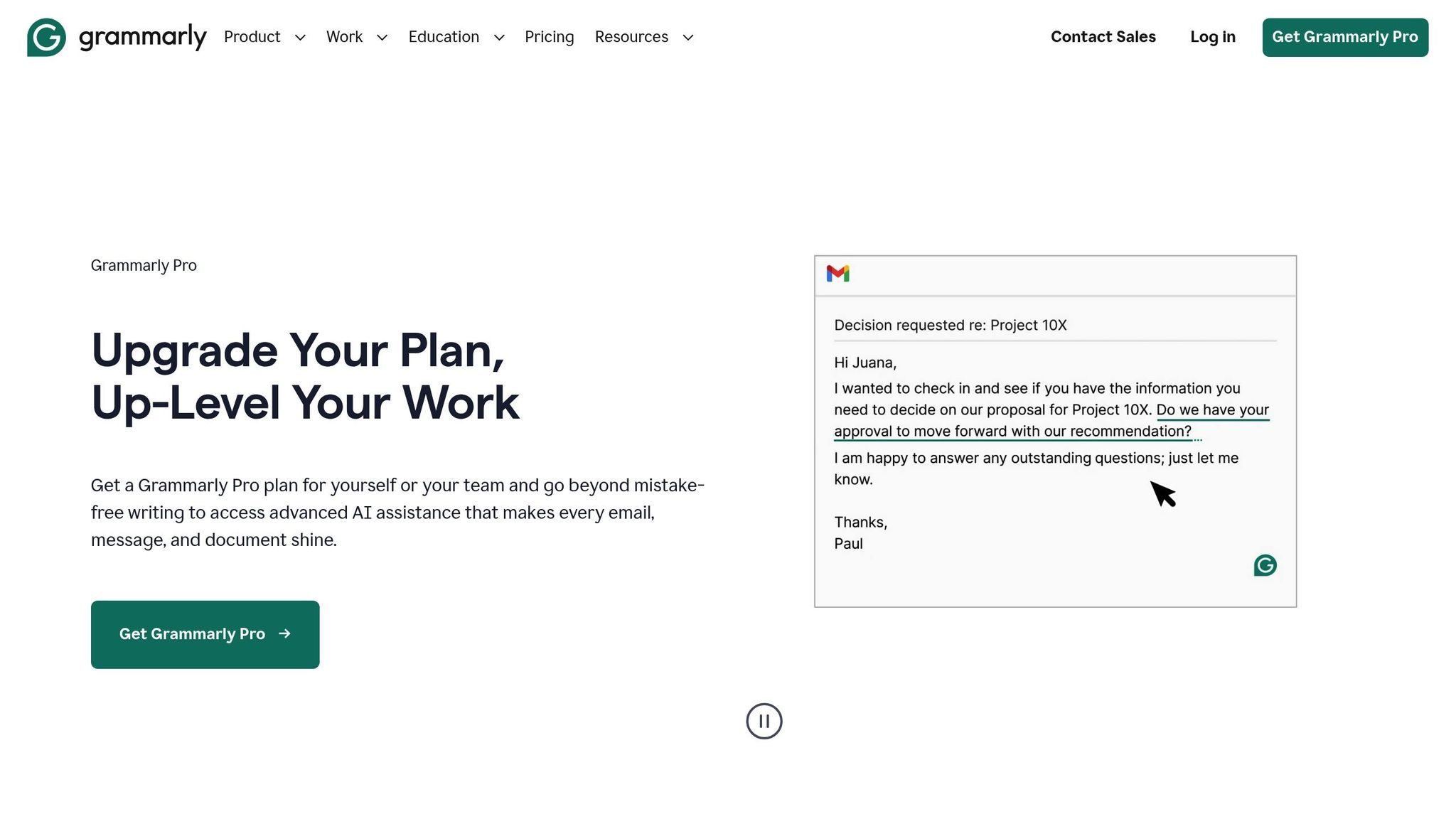
Grammarly Pro has become one of the most popular AI proofreading tools, trusted by over 40 million daily users and 50,000 organizations worldwide. This AI-powered editor is designed to enhance writing quality and ensure consistency.
Accuracy and Grammar Detection
Grammarly Pro’s advanced AI engine is highly effective at spotting writing errors. It catches grammar mistakes, typos, and punctuation issues instantly as you type. Beyond basic corrections, it flags incorrect word choices and identifies complex syntax errors that standard spell-checkers often miss. With support for multiple English dialects, it’s a versatile tool for a global audience. Users have reported a 66% improvement in communication clarity across their organizations. The tool has earned strong ratings, including 4.7/5 on G2 (411 reviews) and 4.9/5 on Capterra (63 reviews).
That said, even the best AI tools can occasionally misfire with suggestions. Grammarly Pro is particularly adept at addressing passive voice and helping writers create more concise, confident sentences by cutting unnecessary words.
Advanced Style and Tone Adaptation
Grammarly Pro goes beyond fixing errors – it helps refine how you communicate. The tool can adjust your writing to suit specific audiences or brand voices. With just one click, you can modify the tone of your message to make it formal, casual, or persuasive, depending on your intent. Users can set writing goals across five dimensions – audience, intent, style, domain, and emotion – and even fine-tune formality or choose from tones like personable, confident, or witty. For businesses, Grammarly Pro offers style guides and brand tone settings to ensure teams stay consistent with their messaging.
Pricing and Subscription Models
Grammarly Pro keeps its pricing straightforward with a single plan for both individuals and teams in 2025. Subscribers can choose from three billing options, with discounts for longer commitments:
- Monthly subscription: $30.00 per member per month
- Quarterly subscription: $60.00 per member for three months (averaging $20.00 per month)
- Annual subscription: $144.00 per member per year (averaging $12.00 per month)
Teams can include up to 149 members under one plan, with a single payment covering all seats. Adding members mid-cycle is easy, with charges prorated based on the remaining subscription period. Existing Grammarly Premium users are transitioning to Grammarly Pro in 2025, with no changes to their billing during this process. The platform also offers pricing in Euros, British pounds, and will soon include Indian rupees. However, Grammarly does not offer gift subscriptions, lifetime plans, or one-time purchase options.
Integration with Platforms and Workflows
Grammarly Pro integrates smoothly with various platforms, ensuring it’s accessible wherever you write. The tool adapts to your writing preferences and provides personalized suggestions while aligning with organizational standards.
"I’m now at the second company where I demanded the purchase of Grammarly for my team. Wherever I go moving forward, I will always ask to make Grammarly a team tool."
– Kirsten Penaloza, Sr. Director, Client Experience
Grammarly Pro continues to set the bar for AI proofreading tools in 2025, combining precision, adaptability, and ease of use.
2. ProWritingAid Premium
ProWritingAid Premium has solidified its reputation as one of the top AI proofreading tools in 2025. Known for its blend of error detection and detailed writing analysis, this tool rivals heavyweights like Grammarly in accuracy while offering features tailored for writers across different fields.
Accuracy and Grammar Detection
With its advanced AI, ProWritingAid Premium excels at spotting grammar and punctuation errors. It goes beyond the capabilities of Microsoft Word‘s built-in checker and catches mistakes that standard spell-checkers often overlook. In comparative tests, it has matched Grammarly’s performance in error detection. Impressively, the tool identified 44% of errors in accuracy tests, leveraging natural language processing to pinpoint issues and provide clear explanations for better understanding. These precise corrections not only fix errors but also help users refine their writing style.
"It’s fast, accurate and really helps improve your writing beyond simple grammar suggestions." – Joel Widmer
Advanced Style and Tone Adaptation
ProWritingAid Premium stands out for its ability to adapt to various writing styles. It offers over 40 document types, each with tailored suggestions for formats like creative writing, business communication, casual content, technical documents, and academic papers. Additionally, the platform provides more than 25 writing analysis reports that delve into readability, structure, overused words, and even sensory details.
Users can create custom style guides with personalized rules, ensuring consistency across projects. Academic writers benefit from tools that help maintain the right tone, avoid plagiarism, and achieve logical flow. Meanwhile, business professionals and content creators can use its style suggestions and readability reports to optimize content for online audiences. For instance, the tool can simplify clunky phrases like "in spite of the fact that" into "although", ensuring the suggestions blend naturally with the document’s tone.
Pricing and Subscription Models
ProWritingAid Premium offers flexible pricing plans to suit different needs and budgets. Both subscription-based and one-time payment options are available:
| Plan Type | Monthly | Yearly | Lifetime |
|---|---|---|---|
| Premium | $10.00 | $10.00/month (billed annually at $120) | $399.00 one-time |
| Premium Pro | $12.00 | $12.00/month (billed annually at $144) | $699.00 one-time |
The Premium Pro plan includes higher usage limits for advanced features like Sparks and Chapter Critique, along with discounts on Manuscript Analysis Credits. Both plans unlock unlimited word counts and advanced features, removing the 500-word cap of the free version. Educational discounts add further value – K-12 organizations can access premium features for free, while other students receive a 20% discount. The platform has earned a 4.6/5 rating for value based on 497 user reviews.
Integration with Platforms and Workflows
ProWritingAid Premium seamlessly integrates into various writing workflows, making it a versatile tool for different scenarios. Users can adjust writing style preferences, update personal dictionaries, and set targets for readability or writing time. Whether you’re working on an academic research paper with strict formatting or a creative project that demands a consistent style, ProWritingAid fits right in.
3. QuillBot AI Suite
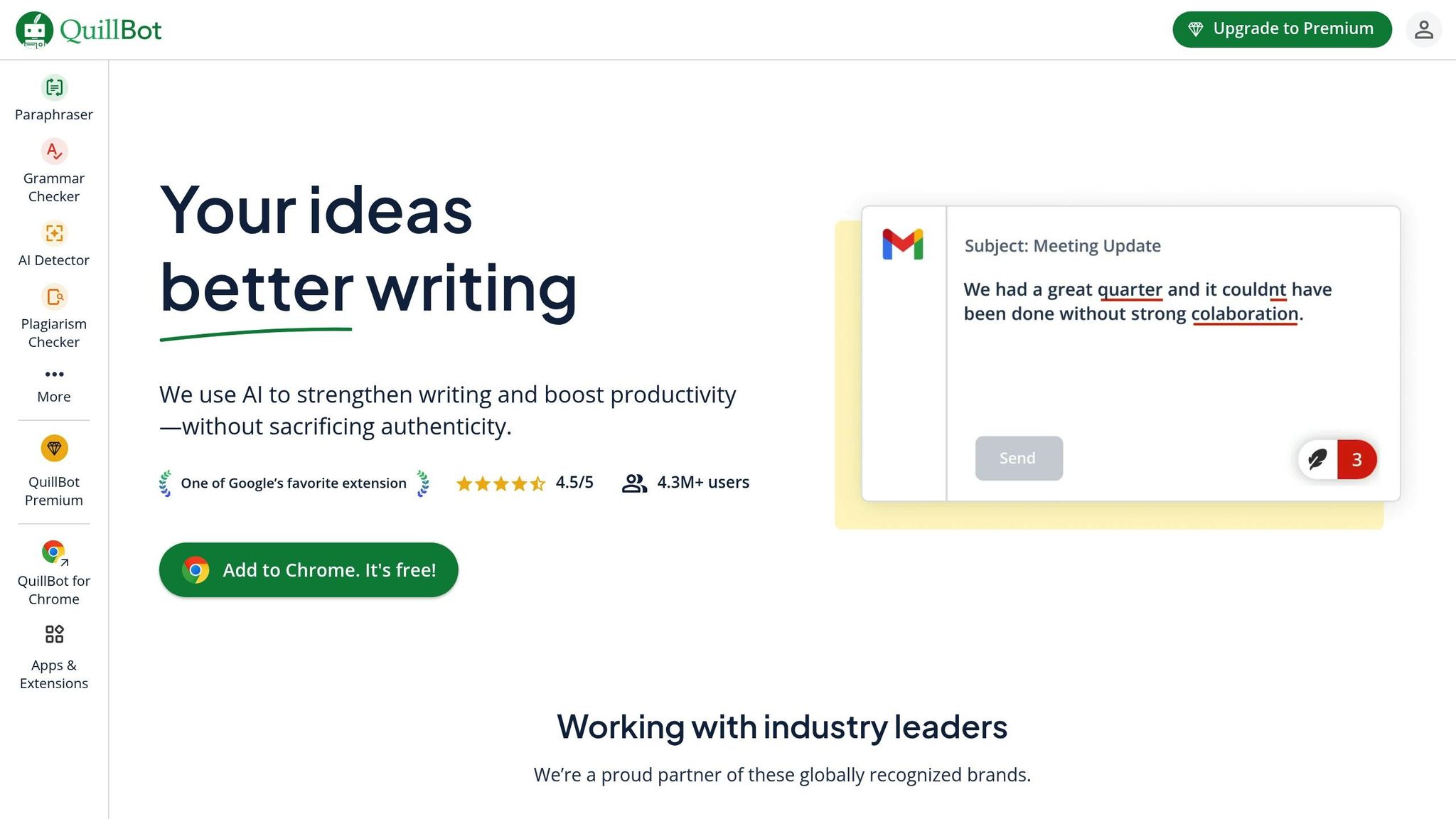
Launched in 2025, QuillBot AI Suite has quickly gained recognition as a reliable proofreading tool, particularly for its strong paraphrasing features paired with effective grammar checking. With over 4.5 million Chrome users and an impressive 4.6/5 rating, it stands out by focusing on both identifying errors and improving content quality.
Accuracy and Grammar Detection
QuillBot’s grammar checker, powered by AI, is excellent at catching a wide range of issues. It’s especially good at identifying grammatical errors, awkward phrasing, and punctuation problems, all while considering the context of entire sentences. Users appreciate its ability to address spelling, grammar, capitalization, and punctuation errors. Additionally, its AI review feature evaluates text for clarity, tone, and style, offering a well-rounded analysis.
Advanced Style and Tone Adaptation
Beyond error detection, QuillBot helps refine your writing style. It offers nine preset modes – such as fluency, creative, shorten, and academic – that allow users to adapt their content for different needs. The Synonym Slider is a standout feature, giving writers control over vocabulary adjustments, whether they prefer subtle tweaks or more extensive rewrites. Its paraphrasing tool is particularly effective at rewording sentences and paragraphs while preserving their original meaning, making it easier to enhance readability and flow.
Pricing and Subscription Models
QuillBot’s pricing structure is designed to accommodate a variety of users. The free plan includes basic features like limited paraphrasing (up to 125 words), simple grammar fixes, basic summaries, and AI detection for up to 1,200 words. For those who need more, the Premium plan unlocks unlimited paraphrasing, advanced grammar suggestions, plagiarism detection, custom summaries, and unlimited AI detection.
The Premium plan is competitively priced, with the annual subscription costing just $4.17 per month – much lower than Grammarly’s $12 monthly fee. Additionally, QuillBot offers a 3-day money-back guarantee and group discounts for teams of five or more.
| Plan Type | Monthly | Quarterly | Annual |
|---|---|---|---|
| Free | $0 | $0 | $0 |
| Premium | $9.95 | $6.65/month ($19.95 total) | $4.17/month ($49.95 total) |
Integration with Platforms and Workflows
QuillBot seamlessly integrates into daily writing tasks through its Chrome extension, which has earned a 4.6/5 rating from over 2,200 user reviews. Like other advanced AI tools in 2025, it enhances digital content creation by fitting effortlessly into various workflows. Whether you’re working on academic research, professional documents, or creative content, its intuitive design makes it a go-to solution.
"I use QuillBot on a daily basis for both academic and work-related writing and couldn’t go without it. I prefer it over leaders in this space such as Grammarly and Wordtune because of how intuitive the product is and the consistent innovation being added by the team behind it."
- Steven, Product Hunt User
Its ability to integrate smoothly into different platforms and workflows makes it an indispensable tool for modern writers.
sbb-itb-593149b
4. Hemingway Editor Plus
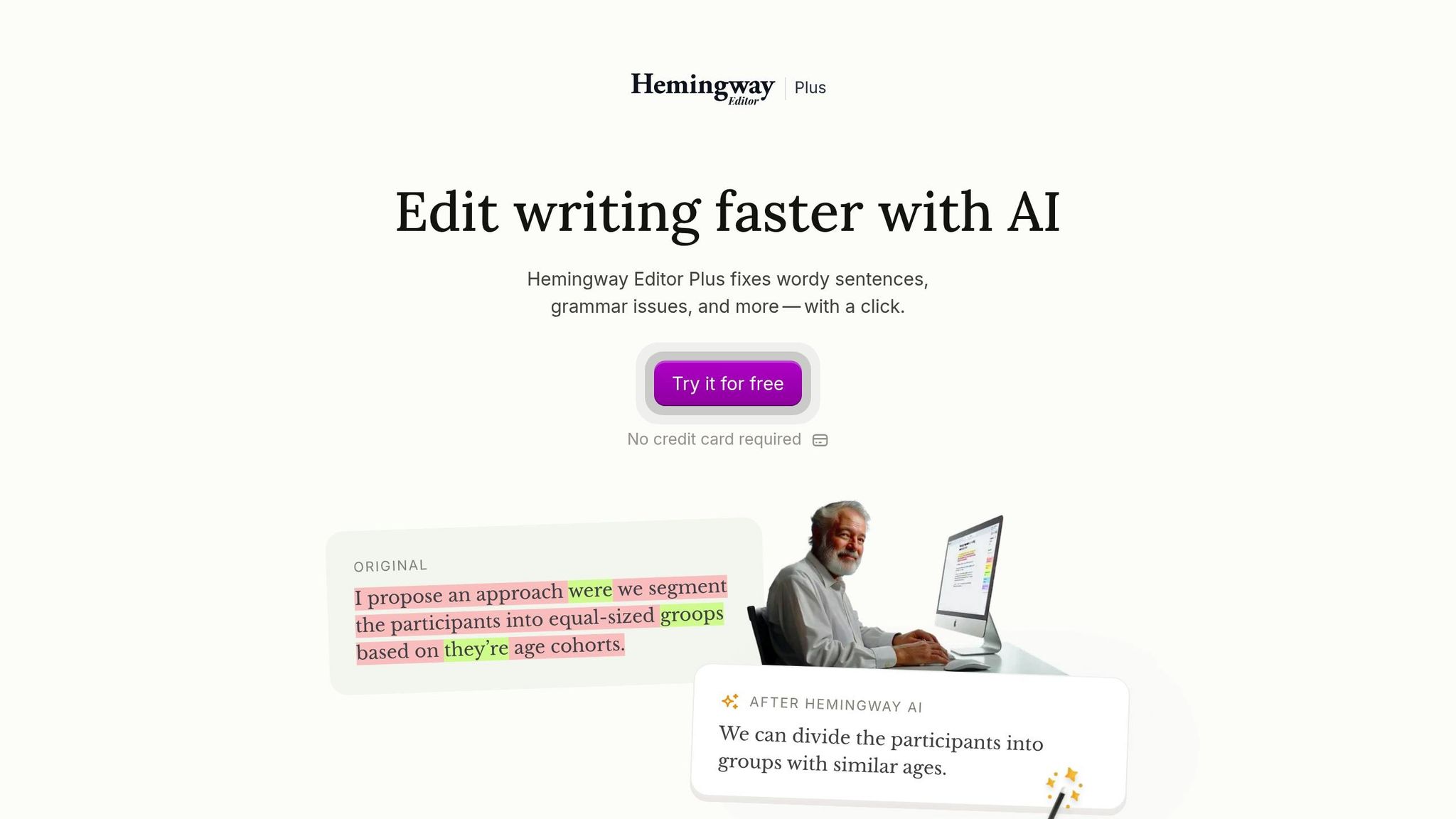
Hemingway Editor Plus focuses on making your writing clear and easy to read, going beyond basic grammar checks. It has evolved from its original version to include advanced AI-driven features that help writers produce engaging and accessible content.
Accuracy and Grammar Detection
This tool uses an enhanced engine to catch spelling, grammar, and punctuation mistakes while also analyzing word usage. Errors are highlighted in green, allowing users to click for instant AI-powered suggestions. It also evaluates sentence structure to recommend context-appropriate word choices [53,54,55].
Advanced Style and Tone Features
Hemingway Editor Plus does more than fix errors – it helps refine your writing style. It highlights overly complex sentences, passive voice, and awkward phrasing, suggesting simpler alternatives to improve readability. This makes it especially useful for bloggers, content creators, and business writers who need to explain complex ideas in a straightforward way. The tool ensures your writing meets modern digital standards for clarity and flow.
Pricing and Subscription Options
Hemingway Editor Plus offers flexible pricing plans and a 14-day free trial, which includes up to 200 sentence corrections – perfect for testing its features without commitment.
| Plan Type | Monthly Cost | Annual Cost | AI Sentences |
|---|---|---|---|
| Individual 5K | $8.33/month | $100/year | 5,000 per month |
| Individual 10K | $12.50/month | $150/year | 10,000 per month |
| Team 10K | $12.50/user/month | $150/year/user | 10,000 per month |
The Individual 10K plan is priced at $150 annually, offering a balance of affordability and functionality. For those who prefer a one-time purchase, the classic Hemingway Editor desktop app is available for $19.99 [54,56].
Integration and Workflow Compatibility
While Hemingway Editor Plus doesn’t have browser extensions, its desktop app supports smooth exports in a variety of formats, including Text, PDF, Word, HTML, and Markdown [56,59].
"Hemingway Editor is, like a good editor, attuned to the places where vanity seems to be getting the better of things." – The New Yorker
For teams, the Team 10K plan ensures consistent style and readability across multiple users, making it a great choice for content teams, marketing departments, and agencies. With its user-friendly design and advanced readability tools, Hemingway Editor Plus is a valuable asset for both individuals and teams looking to elevate their writing.
5. Wordvice AI
Wordvice AI combines cutting-edge language models with a focus on academic writing. Built on a foundation of thousands of research papers, it’s designed to meet the high standards of formal writing and academic conventions.
Accuracy and Grammar Detection
The proofreader in Wordvice AI uses advanced language models to provide instant revisions with precise suggestions. In trials, it identified content generated by ChatGPT and Claude with an impressive 99.94% accuracy. When analyzing mixed texts, it estimates AI-generated content with a margin of error of just 5%. Beyond catching errors, it also improves the overall style and tone of the text.
Advanced Style and Tone Adaptation
Wordvice AI offers four distinct editing modes tailored to different writing needs:
- Light mode: Focuses on basic proofreading, correcting grammar, punctuation, and mechanical errors.
- Standard mode: Balances proofreading with style adjustments, suitable for academic and business writing.
- Intensive mode: Provides a deeper revision, elevating the quality of the writing.
- Concise mode: Helps streamline text by removing unnecessary words.
"Wordvice AI’s Writing Assistant has been a crucial tool for preparing my research. The AI essay editor tools ensure my work is precise before I publish." – Dr. Emily Rivera, Graduate Researcher
Pricing and Subscription Models
Wordvice AI’s pricing is designed to accommodate a range of users. The Basic (Free) plan includes access to the AI Proofreader (with two editing modes), the AI Paraphrasing Tool (with two modes), the AI Summarizer, and the AI Translator. Free users can process up to 5,000 words monthly, with a cap of 500 words per submission.
| Plan Type | Monthly Cost | Key Features | Word Limit |
|---|---|---|---|
| Basic (Free) | $0.00 | 2 editing modes, basic tools | 5,000 words/month |
| Premium | $9.95 | All revision modes, plagiarism checker | 1 million words/month |
| Team | $9.95/user | All features, team collaboration | 1 million words/month |
The Premium plan ($9.95/month) unlocks all editing modes, adds an AI Plagiarism Checker, and allows up to 1 million words per month. For organizations, the Team plan offers the same features at the same price per user, making it a practical option for collaborative environments.
Integration with Platforms and Workflows
Wordvice AI integrates directly with Microsoft Word via a dedicated add-in, ensuring your document’s formatting stays intact while offering real-time feedback and revisions. The add-in supports Word 2021 and newer versions, Microsoft 365 for both Windows and Mac, and MS Word Online. It can be downloaded from the Microsoft AppSource website and activated through the "Add-ins" option in Word. This integration mirrors the web application’s proofreading features, providing a seamless experience across platforms.
Although primarily a web-based tool, Wordvice AI is expanding its reach with a Chrome extension currently in development. These features make Wordvice AI a strong competitor among AI proofreading tools heading into 2025.
Tool Comparison Chart
Here’s a snapshot of the key features and pricing for some of the top writing tools. Depending on your needs – whether it’s professional communication, academic writing, or improving readability – there’s something here for everyone. Take a look to find the best fit for your budget and workflow.
Grammarly Pro is priced at $30.00/month, ProWritingAid Premium comes in at $10.00/month (or a $399 lifetime option), QuillBot AI Suite costs $9.95/month, Hemingway Editor Plus is $8.33/month, and Wordvice AI starts with a free plan.
| Tool | Monthly Price | Best For | Key Strengths | User Ratings |
|---|---|---|---|---|
| Grammarly Pro | $30.00 | Business professionals, real-time feedback | Comprehensive grammar checking, tone detection | G2: 4.7/5 (411 reviews) |
| ProWritingAid Premium | $10.00 | Authors, detailed analysis | In-depth text analysis, writing reports | G2: 4.6/5 |
| QuillBot AI Suite | $9.95 | Students, academic writing | Intelligent paraphrasing, content restructuring | Chrome: 4.6/5 |
| Hemingway Editor Plus | $8.33 | Writers seeking clarity | Readability enhancement, sentence simplification | Limited ratings available |
| Wordvice AI | Free | Academic writers, publication-ready content | Nuanced style editing, advanced polishing | Not rated |
Grammarly stands out for its robust real-time feedback, with over 411 G2 reviews averaging 4.7 stars. ProWritingAid caters to authors and creators who need more than basic grammar checks, offering detailed writing reports and style analysis. QuillBot is a favorite among students for its ability to paraphrase and restructure content, earning a 4.6-star rating on its Chrome extension. Hemingway Editor Plus focuses on making writing clear and concise, simplifying complex sentences for better readability. Wordvice AI is an excellent choice for academic writers, providing advanced style editing and publication-ready polishing – all without a price tag.
"Hemingway Editor is, like a good editor, attuned to the places where vanity seems to be getting the better of things." – The New Yorker
Grammarly’s premium price reflects its comprehensive feedback and real-time usability. ProWritingAid’s detailed analysis appeals to authors, while QuillBot’s academic tools are ideal for students. Hemingway Editor Plus simplifies and sharpens writing, and Wordvice AI offers a specialized, cost-free solution for academic work. Each tool brings a unique edge to the table, helping you find the right match for your writing goals.
Conclusion
To wrap things up, the best AI proofreading tool for you depends on your specific writing needs and budget. Here’s a quick rundown of the standout options:
- Grammarly Pro: Perfect for business professionals, offering real-time feedback and a wide range of features.
- ProWritingAid Premium: At $10.00/month, it’s a great choice for long-form writers looking for detailed analysis.
- QuillBot AI Suite: Excellent for academic users who need advanced paraphrasing and restructuring tools.
- Hemingway Editor Plus: For $8.33/month, it focuses on simplifying prose and enhancing clarity.
- Wordvice AI: A free option that delivers polished, publication-ready content.
These tools aren’t just practical – they reflect a growing trend. The global AI proofreading market is projected to hit $2.2 billion by 2032, and an impressive 90% of content marketers are expected to adopt AI tools by 2025.
"AI is only as good as the content you provide it." – Siege Media
While these tools can dramatically improve your writing process, they work best as complements to your skills, not as substitutes. In today’s digital-first world, picking the right tool can enhance your creativity, save time, and help you produce sharper, more effective content. Each option brings something unique to the table, making it easier than ever to refine your work and achieve professional results.
FAQs
What should I consider when choosing the best AI proofreading tool for my writing?
When choosing an AI proofreading tool, it’s important to weigh factors such as features, usability, and cost. Look for tools that can handle real-time grammar and spelling corrections, offer style recommendations, and integrate smoothly with your favorite apps – whether that’s a word processor or your email platform. Some advanced options even come with tone analysis and readability suggestions, making them versatile for everything from business reports to creative projects.
Think about your budget too. A free version might be enough for basic needs, but if you’re looking for more advanced capabilities, a subscription plan could be worth the investment. The key is to pick a tool that matches your writing goals so it can genuinely improve your work.
Are there any free AI proofreading tools suitable for academic writing?
Yes, free AI proofreading tools are available to meet the needs of academic writing. Some well-known options include Wordvice, Trinka, and QuillBot. These tools can assist with grammar corrections, suggest better vocabulary, and improve overall clarity, making your academic work easier to read and more polished.
Although the free versions might come with certain restrictions, they typically offer enough features to serve as quick and efficient proofreading aids for both students and professionals.
What’s the difference between paying for an AI proofreading tool upfront or through a subscription?
The key difference comes down to cost structure and payment flexibility. A lifetime pricing model involves a single, upfront payment, granting you permanent access to the tool. While this option may seem pricey at first, it can actually save you money in the long haul – especially if you plan to use the tool for several years. It’s a solid choice for those who prefer a one-time investment without worrying about recurring fees.
In contrast, subscription plans spread the cost out with recurring payments, either monthly or annually. This approach is easier on your wallet initially but can become more expensive over time. The upside? Subscriptions often come with benefits like regular updates and ongoing customer support, making them a good fit for users who appreciate continuous improvements and the flexibility to cancel or adjust their plan as needed.
