

Websites consume energy. Every image, video, and line of code adds to your website’s carbon footprint. But with the right tools, you can create websites that are faster, lighter, and more energy-efficient. Here’s a quick look at 10 tools to reduce your website’s energy use:
- GreenGeeks Hosting: Eco-friendly hosting with 300% energy offset and fast performance.
- Cloudflare: Reduces energy use with intelligent caching and faster content delivery.
- Website Carbon Calculator: Estimates your website’s carbon footprint and suggests improvements.
- Squoosh: Compresses images to reduce file sizes and energy use.
- FFmpeg: Optimizes video and audio files for smaller sizes and lower energy consumption.
- Hugo: Generates static websites, eliminating server-side processing to save energy.
- Tailwind CSS (Dark Mode): Adds dark mode to save energy on OLED screens.
- Carbon Analytics: Tracks and reduces your website’s energy usage.
- Ecograder: Evaluates your site’s efficiency and offers actionable improvements.
- Inspiretopics: A real-world example of efficient, content-heavy web design.
Why These Tools Matter
Using these tools, you can cut down energy usage, improve site performance, and lower hosting costs – all while contributing to a greener digital space.
Pro Tip: Start with hosting and media optimization (like GreenGeeks and Squoosh) for the biggest impact, then refine with tools like Hugo and Tailwind.
Want to know more? Let’s dive into how each tool works and why it’s useful.
Designing Websites for Sustainability with Lizzie Hamblin
1. GreenGeeks Hosting
GreenGeeks combines reliable performance with a strong commitment to eco-friendly practices. They go beyond carbon neutrality by purchasing renewable energy credits equivalent to 300% of their energy usage, effectively making their hosting carbon-negative.
Key Eco-Friendly Features:
- Offsets 300% of energy consumption through wind farm partnerships
- Utilizes energy-efficient AMD EPYC processors
- Implements advanced cooling systems in data centers
- Plants a tree for every new hosting account
With an average load time of 450ms – faster than the industry standard of 600ms – GreenGeeks ensures quick website performance. Their optimized servers balance speed and energy efficiency.
"Their 300% energy matching sets a benchmark for green hosting transparency", says Tim Frick, CEO of Mightybytes.
Case Study: EcoLife Tips
The Portland-based site "EcoLife Tips" experienced notable improvements after switching to GreenGeeks:
- 72% reduction in carbon footprint
- Annual energy savings of 1,200 kWh
- PageSpeed score improvement from 65 to 88
- Consistent 99.9% uptime
Features That Benefit Web Designers:
| Feature | Eco-Friendly Impact | Performance Boost |
|---|---|---|
| SSD Storage | 25% less energy use | Faster page loads |
| Built-in CDN | Reduced data transfer | Improved global access |
| LiteSpeed Servers | 40% less power consumption | 30% faster load times |
| Cold Climate Data Centers | Lower cooling needs | Enhanced reliability |
GreenGeeks also offers tools tailored for developers, including one-click WordPress installations and pre-optimized caching. Their custom dashboard features a "Carbon Impact" tracker, letting users measure their projects’ environmental effects in real-time.
Plans start at $2.95/month for the Lite option, which includes unlimited bandwidth and free SSL certification. Their commitment to sustainability is verified through the EPA’s Green Power Partnership, and they maintain high user ratings (4.8/5 on Trustpilot with over 2,100 reviews).
Pro Tip: Use their free Cloudflare CDN integration to cut down on energy use during global data transfers while boosting your website’s speed and accessibility.
Next, explore how Cloudflare contributes to sustainable web solutions.
2. Cloudflare
Cloudflare uses intelligent caching to serve website content from servers located closer to users. This approach helps lower server strain and cuts down on energy consumption. Up next, we’ll take a look at the Website Carbon Calculator, a tool designed to help reduce energy use on the web.
3. Website Carbon Calculator
The Website Carbon Calculator is a free tool designed to estimate your website’s carbon footprint. It evaluates various design elements – like data transfer, page complexity, and caching – to calculate CO₂ emissions per page view and predict your annual environmental impact.
It also provides practical suggestions for cutting emissions, such as:
- Reducing image sizes and using efficient formats
- Cutting down on unnecessary JavaScript
- Setting up better caching methods
- Exploring eco-friendly hosting providers
This tool doesn’t just measure emissions – it helps identify ways to improve your site’s efficiency. By incorporating it into your development process, you can stay on top of performance while making updates or conducting regular maintenance. From here, you can look into tools like Squoosh to further refine your sustainable design efforts.
4. Squoosh
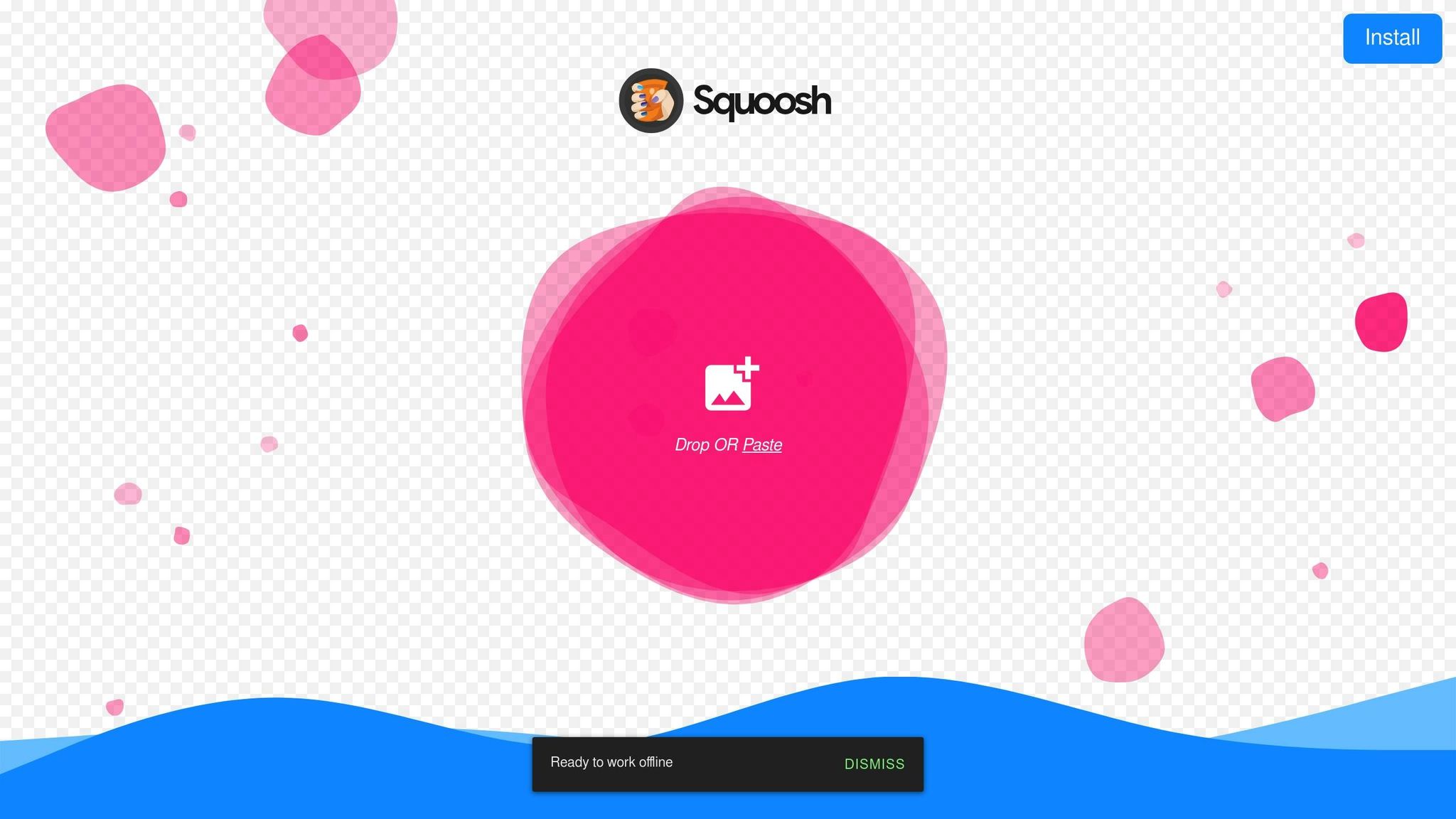
Squoosh is a free, web-based tool designed to compress images, helping to reduce file sizes. This not only cuts down on data transfer and energy use but also improves website load times.
Here’s what makes Squoosh stand out:
- Multi-format Support: Convert images to formats like WebP, AVIF, PNG, or JPEG to find the most efficient option for your needs.
- Real-time Preview: Instantly compare the compressed image with the original to ensure the quality meets your standards.
- Custom Optimization: Adjust compression settings to strike the right balance between image quality and file size.
For the best results, compress images before uploading them, tweak settings to get the ideal quality-to-size ratio, and revisit your images periodically to keep them optimized.
Incorporating tools like Squoosh into your workflow can maintain speed and efficiency. Stay tuned for how FFmpeg can further enhance your process.
5. FFmpeg
FFmpeg is a command-line tool designed to compress and optimize video and audio files. By reducing file sizes, it helps lower energy consumption, making it a practical choice for more efficient media handling. It also supports advanced features like batch processing for streamlined workflows.
Here’s how FFmpeg can enhance eco-friendly web design:
-
Video Optimization
- Adjusts resolution and frame rate to cut down on energy consumption.
- Works with efficient codecs like H.264 for better compression.
- Offers customizable settings to fine-tune compression levels.
-
Audio Optimization
- Reduces audio bitrates to shrink file sizes without sacrificing sound quality.
- Converts files into formats that use storage more efficiently.
- Strips out unnecessary metadata to save space.
-
Batch Processing
- Automates the optimization of multiple files at once, saving time.
- Delivers consistent results across all files for a smoother workflow.
Before uploading media files, use FFmpeg to compress them. Test different codecs and settings to strike the right balance between quality and size. For videos that don’t need high-definition visuals, consider using lower resolutions or frame rates to further reduce file sizes.
sbb-itb-593149b
6. Hugo
Hugo is a static site generator that creates static HTML files instead of relying on dynamic server-side processing. This approach helps lower energy consumption, making it a more eco-conscious choice for web design.
Performance Advantages:
- Quick build times compared to traditional CMS platforms
- Generates lightweight, optimized HTML files
- Eliminates database queries, reducing server resource demands
Energy-Efficient Features:
-
Asset Pipeline Optimization
- Automatically compresses CSS and JavaScript files
- Optimizes images during the build process
- Combines files to cut down on HTTP requests
-
Built-in Performance Tools
- Supports native lazy loading for images and iframes
- Bundles and compresses CSS/JS files
- Compresses HTML output for faster delivery
Here’s how you can make the most of Hugo’s eco-friendly features:
Configure Image Processing
Use Hugo’s built-in image tools to create responsive images. This minimizes data transfer and ensures the right image sizes for different devices:
{{ $image := .Resources.GetMatch "hero.jpg" }}
{{ $small := $image.Resize "600x" }}
{{ $medium := $image.Resize "800x" }}
{{ $large := $image.Resize "1200x" }}
Enable Minification
Turn on Hugo’s minification settings to compress HTML, CSS, and JavaScript. This reduces HTTP requests and speeds up delivery:
[minify]
  minifyOutput = true
  [minify.tdewolff.html]
    keepWhitespace = false
Add Lazy Loading
Implement native lazy loading for images and iframes to improve initial page load times and save energy:
<img src="image.jpg" loading="lazy" alt="Description">
Up next, learn how Tailwind CSS’s Dark Mode Toggle can further enhance sustainable design.
7. Dark Mode Toggle with Tailwind CSS
Tailwind CSS makes it simple to add a dark mode toggle to your website, which can help reduce energy usage and improve site performance.
Energy-Saving Benefits
Google’s 2018 study found that enabling dark mode on mobile apps like YouTube led to a 60% drop in energy consumption. On OLED devices, dark mode can cut screen energy usage by up to 63%, potentially reducing CO₂ emissions by around 39kg annually for every 1,000 daily users.
How to Set It Up
Here’s how you can configure Tailwind’s dark mode toggle:
// tailwind.config.js
module.exports = {
  darkMode: 'class',
  // Other configurations
}
<!-- Basic toggle button -->
<button class="p-2 rounded-md hover:bg-gray-200 dark:hover:bg-gray-700"
  onclick="document.documentElement.classList.toggle('dark')">
  Toggle Dark Mode
</button>

<!-- Example content -->
<div class="bg-white text-black dark:bg-gray-800 dark:text-white">
  Your content here
</div>
Tips for Better Efficiency
Follow these recommendations to save energy while keeping your site accessible:
| Aspect | Recommendation | Energy Impact |
|---|---|---|
| Background Color | Use #111 instead of black |
Cuts power use by 42–63% |
| Contrast Ratio | Keep between 4.5:1 and 15:1 | Ensures readability |
| System Detection | Use prefers-color-scheme |
Matches user settings |
| Animations | Use simple transitions | Reduces energy demand |
"Dark mode isn’t just about looks – on high-traffic sites, it can make a noticeable difference for sustainability."
Performance Perks
Dark mode doesn’t just save energy – it also makes development more efficient. It can speed up development by 70%, shrink CSS file sizes by 35%, and simplify updates. Pairing dark mode with reduced motion settings and system-level theme detection can further improve both sustainability and accessibility.
8. Carbon Analytics
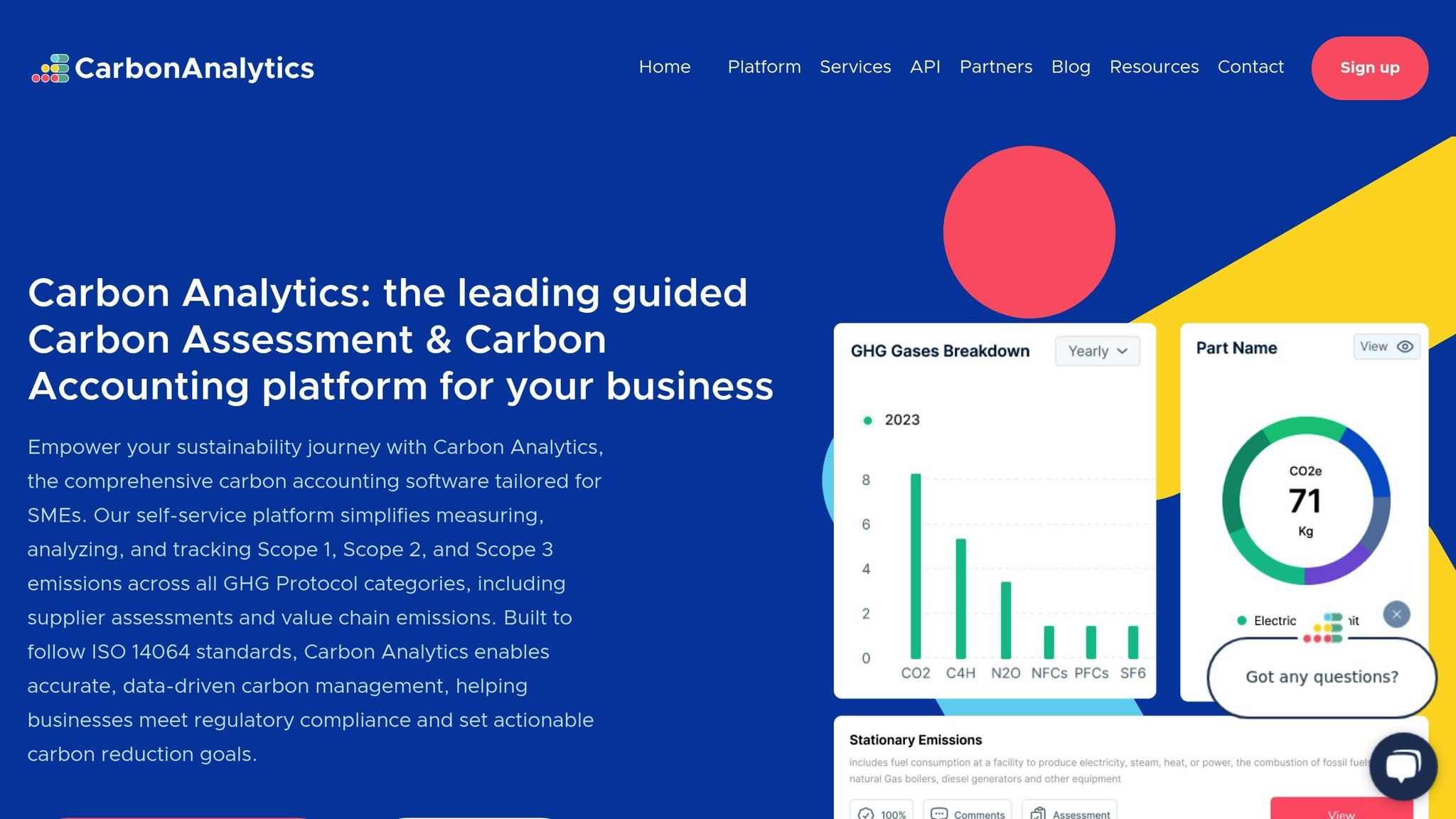
Carbon Analytics connects with your platforms to monitor energy usage, identify inefficiencies, and offer steps to lower your site’s carbon footprint. Its integration system weaves environmentally conscious practices into your development process, helping you make measurable changes.
This tool tracks important metrics like server response times, resource loading patterns, and data transfer volumes. By analyzing these areas, it helps optimize your site’s performance while minimizing its environmental impact. The detailed analytics and tracking features make it easier for teams to make informed decisions that balance user experience with ecological goals.
9. Ecograder
Ecograder takes a closer look at your website’s energy use. It evaluates how efficiently your site operates and offers actionable steps to reduce energy consumption. This tool helps developers and designers make adjustments that promote more sustainable web practices.
10. Inspiretopics
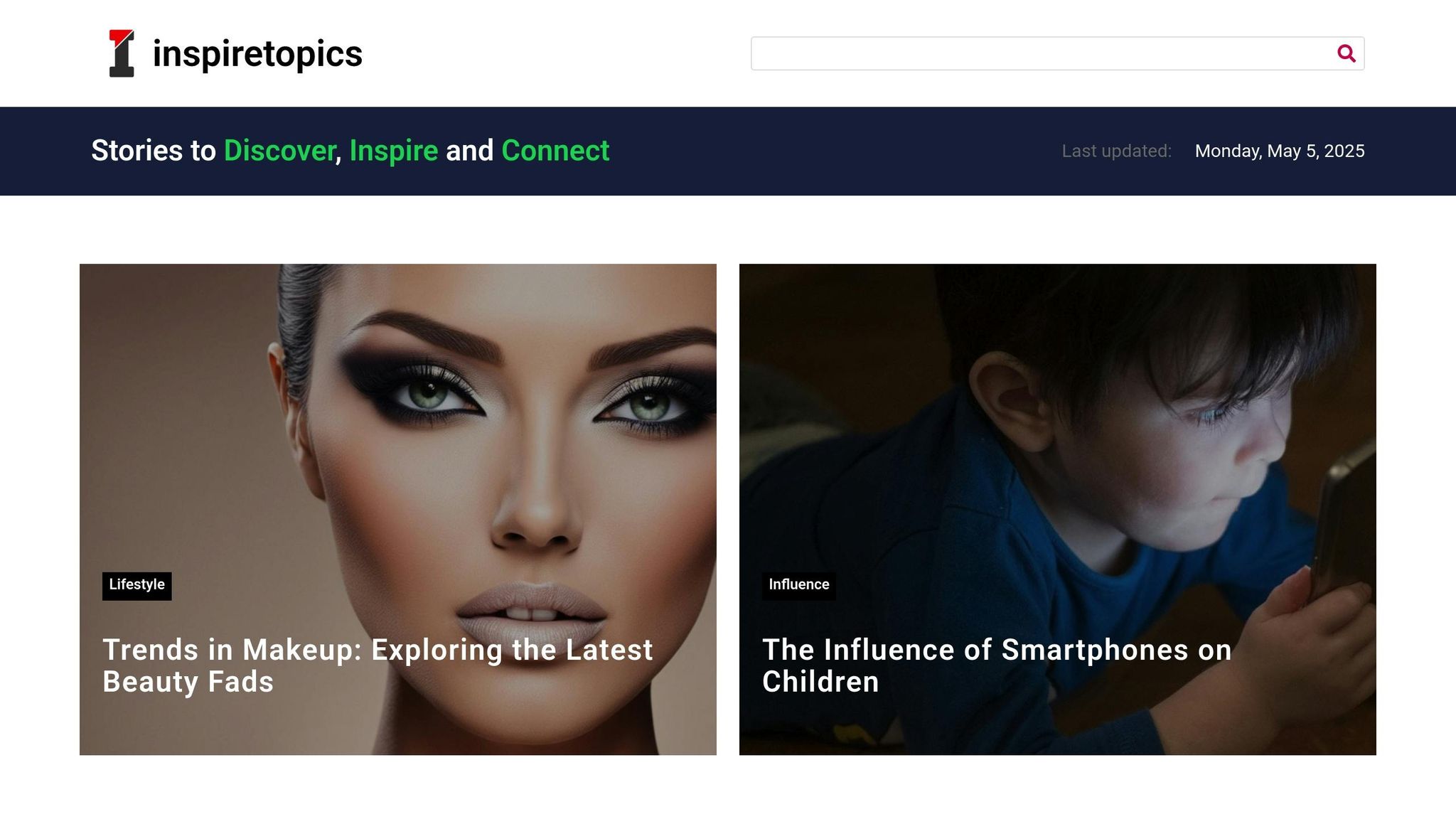
Inspiretopics is a blogging platform that highlights how efficient design can support eco-friendly content delivery. While it’s not specifically an energy-saving tool, the site demonstrates how a well-organized, content-heavy platform can maintain efficiency.
Updated most recently on April 30, 2025, Inspiretopics proves that websites rich in content can balance user engagement with eco-conscious design. Its approach showcases how thoughtful design and engaging content can work together, offering a practical example for web designers aiming to create greener websites.
This example emphasizes that sustainable web design relies not just on technical tools but also on smart content strategies.
Conclusion
Eco-friendly web design tools play a critical role in building a more sustainable digital environment. By focusing on tools that reduce carbon emissions and improve performance, it’s possible to create efficient websites without sacrificing quality. Pairing these tools with smart hosting practices can lead to noticeable environmental benefits.
Key Advantages:
- Energy Efficiency: Tools that help monitor and lower energy use during website operations.
- Performance Gains: Faster load times while using fewer server resources.
- Cost Savings: Reduced hosting costs through better resource management.
Web design is shifting toward a more sustainable approach. Modern platforms show that it’s entirely possible to combine great functionality with environmental awareness. Using the right tools and strategies, web designers can actively contribute to lowering carbon footprints in the digital world.
FAQs
How can using a static site generator like Hugo make web design more eco-friendly?
Using a static site generator like Hugo can significantly contribute to eco-friendly web design by improving website efficiency. Static sites are pre-built and do not rely on server-side processing to generate pages dynamically. This reduces the energy consumption typically associated with database queries and server requests.
Additionally, static sites often load faster and require fewer resources, which can lead to lower data transfer and energy usage. By choosing a lightweight and efficient tool like Hugo, designers can create websites that are both sustainable and high-performing.
How does enabling dark mode on a website improve energy efficiency?
Enabling dark mode on a website can significantly improve energy efficiency, especially on devices with OLED or AMOLED screens. These screens use less power to display darker colors because individual pixels are turned off or dimmed when displaying black or dark shades.
By reducing the energy required to display bright colors, dark mode can help lower overall energy consumption, which is not only beneficial for device battery life but also contributes to sustainability by reducing electricity usage. Additionally, many users find dark mode more comfortable for their eyes, especially in low-light environments, making it a practical and eco-friendly design choice.
How does the Website Carbon Calculator help make my website more sustainable?
The Website Carbon Calculator evaluates your website’s carbon footprint by analyzing factors like energy usage, data transfer, and hosting efficiency. It provides insights into how much CO2 your site produces per visit and offers suggestions to reduce its environmental impact.
By using this tool, you can identify areas to optimize, such as minimizing image sizes, improving loading speeds, or switching to green hosting providers. Small changes can significantly reduce your site’s energy consumption and contribute to a more sustainable web.
