
AI tools are reshaping how businesses handle content workflows. They save time, reduce costs, and improve efficiency. Key stats from 2025 highlight this shift:
- 73% of businesses use AI for content creation (McKinsey 2025).
- AI reduces content production costs by up to 70% and operational expenses by 31%.
- Employee performance improves by 40% with AI-powered tools.
This article reviews 7 top AI tools for automating content workflows, focusing on automation, integration, pricing, and content features:
- FlowForma: Great for large enterprises needing complex workflow automation with SharePoint integration. Starts at $2,347/month.
- Automation Anywhere: Offers advanced robotic process automation (RPA) for enterprises. Custom pricing.
- Creatio: No-code automation with strong CRM integration. Plans start at $25/user/month.
- Kissflow: User-friendly for mid-sized teams. Starts at $1,500/month for 50 users.
- Microsoft Power Automate: Best for Microsoft-centric teams. Plans start at $15/user/month.
- ClickUp: Combines project management and automation. Affordable, starting at $7/user/month.
- Jasper AI: Tailored for marketing content creation with branding consistency. Starts at $39/month.
Quick Comparison
| Tool | Starting Price | Key Strengths | Best For |
|---|---|---|---|
| FlowForma | $2,347/month | SharePoint integration, enterprise focus | Large enterprises |
| Automation Anywhere | Custom pricing | Advanced RPA, cognitive automation | Complex enterprise needs |
| Creatio | $25/user/month | No-code, CRM integration | CRM-based automation |
| Kissflow | $1,500/month (50 users) | Drag-and-drop workflows, flexible pricing | Mid-sized teams |
| Microsoft Power Automate | $15/user/month | Microsoft ecosystem, AI Builder | Microsoft users |
| ClickUp | $7/user/month | Project management + automation | Small to medium teams |
| Jasper AI | $39/month | Marketing content focus, branding tools | Marketing teams |
Each tool has strengths and limitations, so choosing the right one depends on your team’s size, budget, and content needs. Read on for detailed insights into these tools and how they can transform your content workflows.
Creating an AI-Driven Content Marketing Workflow
1. FlowForma
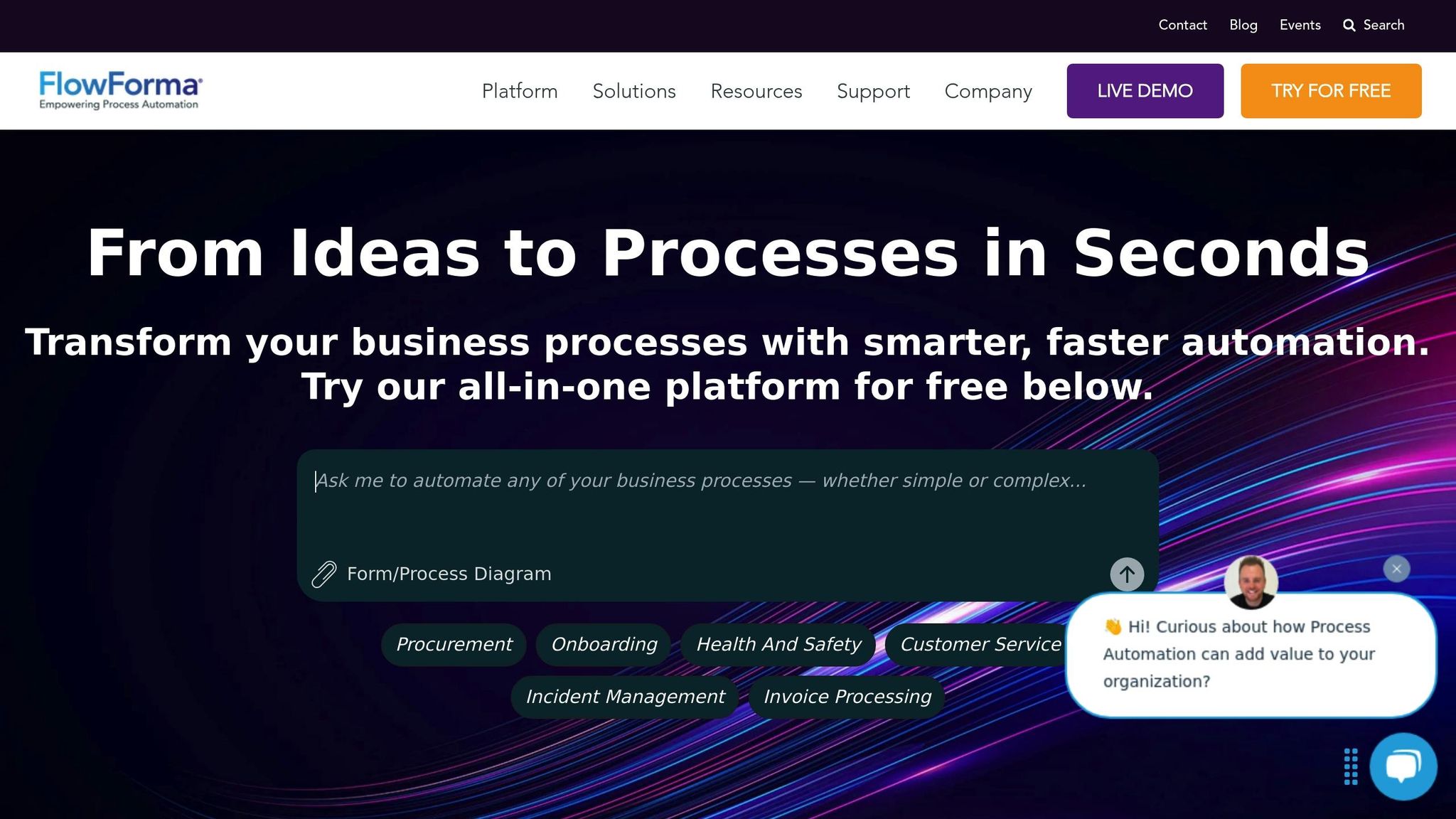
FlowForma is a process automation platform built on SharePoint, designed to simplify content workflows. Integrated with Microsoft 365, it combines forms, workflow automation, analytics, and document generation into one solution. Its goal? To replace manual processes with smarter, automated systems.
Automation Capabilities
FlowForma’s AI Copilot leverages natural language processing to quickly create workflows and handle repetitive tasks like document generation, routing, and notifications. It also integrates approval steps to maintain quality and speed up decision-making.
But it doesn’t stop there. FlowForma can identify irregularities in content workflows, condense complex forms into summaries, and adapt approval steps dynamically based on previous inputs. Blackpool Teaching Hospital NHS is a prime example of its effectiveness, automating 55 processes in just one year and significantly improving efficiency.
"The speed of development and the opportunity to involve process owners in creating their own FlowForma forms and workflows is a game-changer. The ability to create workflows quickly with governance from IT, without being reliant on them, is critical." – Head of Digital Identity, Blackpool Teaching Hospital NHS
These automation tools work seamlessly alongside FlowForma’s robust integration options.
Integration Options
FlowForma connects with thousands of apps and systems, breaking down data silos through three main integration methods:
- SQL Staging Database: Enables two-way data exchange.
- No Code Web API: Supports REST and SOAP connections for over 10,000 applications.
- Extensibility Framework: Allows custom JavaScript extensions.
Its Microsoft 365 integration is particularly powerful, automating tasks like document creation, meeting scheduling, and email notifications. Whether your systems are cloud-based or on-premise – ERP, CRM, HR, or otherwise – FlowForma can link them. For example, Grant Thornton used FlowForma to automate its audit and risk management workflows, moving away from spreadsheets and manual processes.
"Knowing that our customers wanted to connect FlowForma Process Automation to other apps they use, it was important for our team to develop seamless integration. This innovation now empowers our community to connect their business processes to over 1,000 apps, expanding the range of automated triggers and data exchanges." – Gerard Newman, CTO, FlowForma
Pricing
FlowForma offers three pricing tiers tailored to different process needs:
- Essentials: $2,347/month for up to 3 processes, including forms, workflows, document generation, a mobile app, SharePoint integration, and governance tools.
- Professional: $3,293/month for up to 30 processes, with added support for external users and advanced integrations.
- Enterprise: Custom pricing for large-scale automation, including FlowForma Insights, enterprise governance, and onboarding services.
All plans are based on 12-month contracts billed annually. Optional add-ons, such as FlowForma Copilot and FlowForma Insights, are available for further customization.
Content-Specific Features
FlowForma also excels in managing and standardizing content. It centralizes assets in a digital repository, streamlining creation and review processes while ensuring security through role-based permissions, encryption, and audit trails.
Key features include version control and collaborative editing, making teamwork more efficient. Additionally, advanced analytics provide actionable insights into workflow performance, helping teams refine their processes.
"FlowForma Process Automation helps greatly with process standards compliance as process requirements can be embedded. You will be able to implement built-in quality measures and mistake-proofing." – Legal Assistant, Clean Sky Joint Undertaking
2. Automation Anywhere
Automation Anywhere stands out as a leading RPA platform, helping businesses streamline content workflows with the help of smart software bots. Trusted by over 500 major brands worldwide, it’s become a popular choice for companies looking to reduce repetitive manual tasks and improve efficiency.
At its core, the platform uses software bots to automate tasks such as document processing, data extraction, and workflow management.
Automation Capabilities
Automation Anywhere is packed with features designed to meet the needs of various departments, including finance, HR, customer service, and IT. Its low-code interface allows teams to visually build workflows, making it accessible even for those without extensive coding knowledge. The platform’s Trigger Manager is particularly useful, as it automatically executes tasks based on external events, such as publishing schedules or approval notifications.
One of its standout features is its cognitive automation capabilities. These allow the platform to analyze unstructured data, apply predefined rules, and learn from user interactions. This is especially beneficial for handling different types of documents and ensuring they are routed to the right places.
The platform also offers a bot library with pre-built solutions for common business processes and a recorder feature that captures, saves, and replays testing actions. These tools make it easier to integrate smoothly with existing content systems.
Integration Options
Automation Anywhere connects effortlessly with a variety of third-party applications using built-in connectors and APIs. For example, it integrates with Salesforce through "Automation Anywhere for Salesforce" on the Salesforce AppExchange, and with Google Workspace via "Automation Anywhere for Google Workspace", allowing bots to operate directly within Google Sheets. Other notable integrations include MuleSoft, ServiceNow, and Workato, which enhance real-time data sharing and workflow automation. Additionally, its screen scraping and web data extraction tools are valuable for teams conducting content research or competitive analysis.
Pricing
Pricing is tailored to each organization’s specific needs, so costs will vary. While the platform receives high ratings for its capabilities, users often mention that its learning curve requires dedicated IT support for optimal use.
Content-Specific Features
When it comes to automating content workflows, Automation Anywhere excels. It handles document processing and data extraction with ease, using its cognitive automation tools to process various content formats, extract key details, and route documents through approval workflows. The platform’s three main components – Bot Creator, Control Room, and Bot Runner – work together to deliver end-to-end content workflow automation. For organizations new to automation, starting with a single BPA technology is often recommended, making Automation Anywhere a strong choice for gradually introducing automation into content processes.
3. Creatio
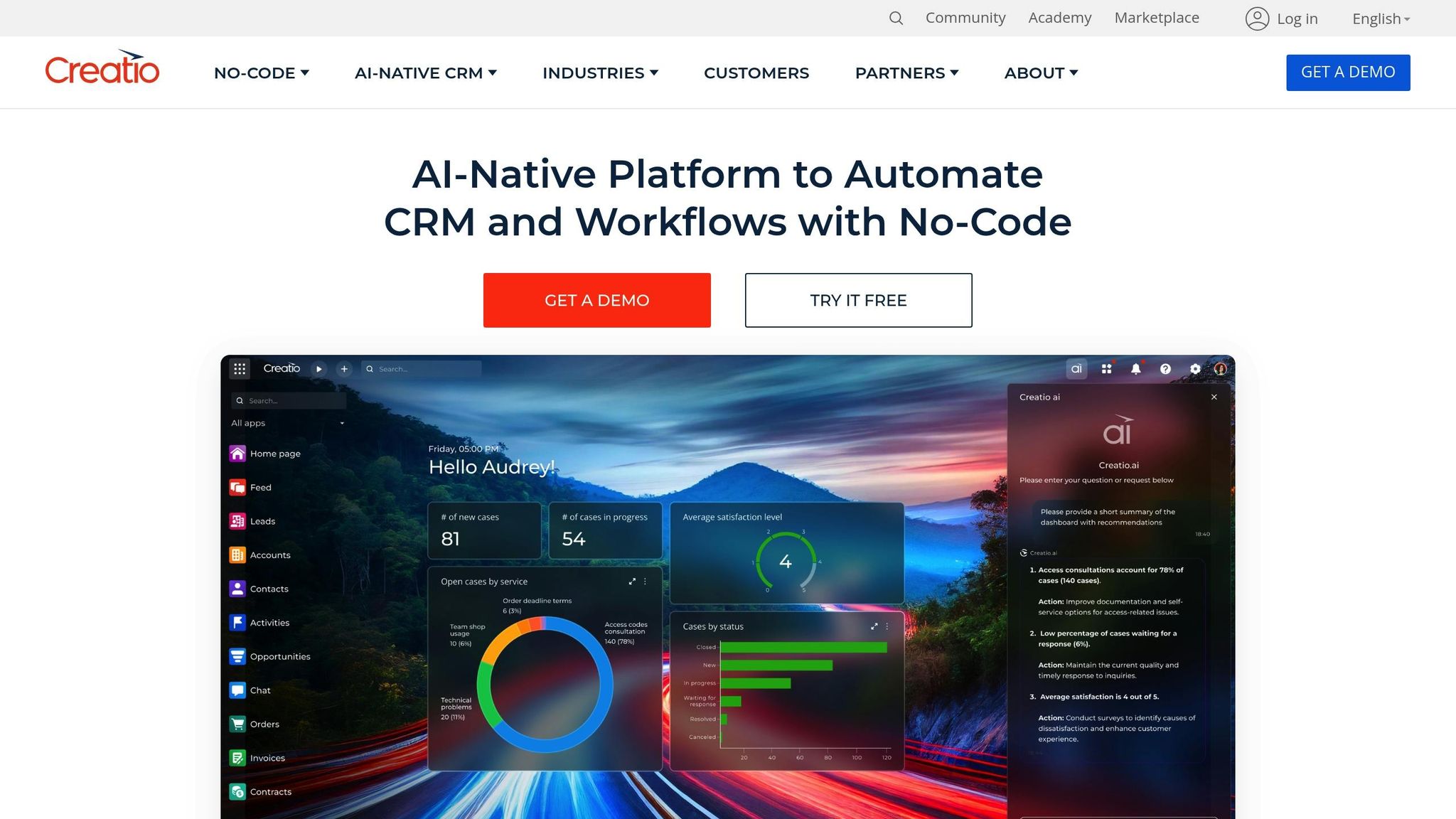
Creatio provides no-code content workflow automation, designed to be user-friendly for non-technical teams. With strong ratings of 4.6/5 on G2 and 4.8/5 on Capterra, the platform has proven its reliability across industries by helping organizations simplify and improve their content processes through visual workflow tools and AI-driven automation.
What sets Creatio apart is its modular architecture, enabling businesses to pay only for the features they need. This approach allows companies to scale their automation efforts at their own pace, avoiding unnecessary expenses.
Let’s explore how Creatio’s automation tools help streamline content workflows.
Automation Capabilities
Creatio’s visual workflow designer empowers teams to build workflows for approvals, editorial processes, and publishing – no coding required. Its AI-powered recommendations analyze existing workflows, identifying inefficiencies and suggesting improvements to smooth out operations.
The platform also features real-time case management, which automatically adjusts workflows to handle unique or urgent situations. For example, content teams can rely on this flexibility to manage last-minute changes or rush publications without disrupting the overall process.
In 2025, Tirana Bank reported a 40% improvement in loan processing speed thanks to Creatio’s AI automation. While this example is from banking, the same principles can be applied to content workflows, particularly in areas like document approvals and routing.
Integration Options
Creatio functions as a central hub, connecting content systems, marketing tools, and productivity apps. With its pre-built integrations, data flows seamlessly between systems, enabling teams to gather insights from multiple platforms. This unified approach helps generate detailed reports on content performance and workflow efficiency.
For content teams, these integrations are invaluable for tracking audience engagement, evaluating campaign success, and improving overall strategy.
Pricing
Creatio offers three pricing tiers tailored to different needs:
| Plan | Price per User/Month | Key Features |
|---|---|---|
| Growth | $25 | Basic automation, standard CRM tools, AI features |
| Enterprise | $55 | Advanced automation, enterprise integrations, scalability for larger teams |
| Unlimited | $85 | Full access to the platform, unlimited use cases, and maximum flexibility |
All plans include access to Creatio’s no-code automation and AI features through Creatio.ai tokens. However, there’s a $10,000 annual minimum purchase requirement. Additional costs include functional modules for Sales, Marketing, and Service at $15 per user per month, extra AI tokens at $150 per pack for 10 million tokens, and support options ranging from Business Support (10% of subscription cost) to Premium Support (20%).
Content-Specific Features
Creatio shines in automating document processing and approval workflows. Its system can automatically route content through editorial stages based on set rules, ensuring everything gets the proper approvals before publication.
For example, in 2025, Bank Negara Indonesia (BNI) deployed Creatio’s automation tools across 35 countries, standardizing critical workflows while maintaining flexibility and compliance. This demonstrates how global content teams can ensure consistent operations across different regions and time zones.
Another success story comes from Namu Travel, which saw a 20% boost in qualified leads after implementing Creatio. The company benefited from automated case routing and omnichannel communication tools, which improved response times and allowed for more personalized customer interactions based on real-time insights. For content teams, these capabilities translate to better audience engagement and more effective distribution strategies.
Creatio’s ability to adapt in real time makes it ideal for managing diverse content types, seasonal campaigns, or breaking news with ease.
4. Kissflow
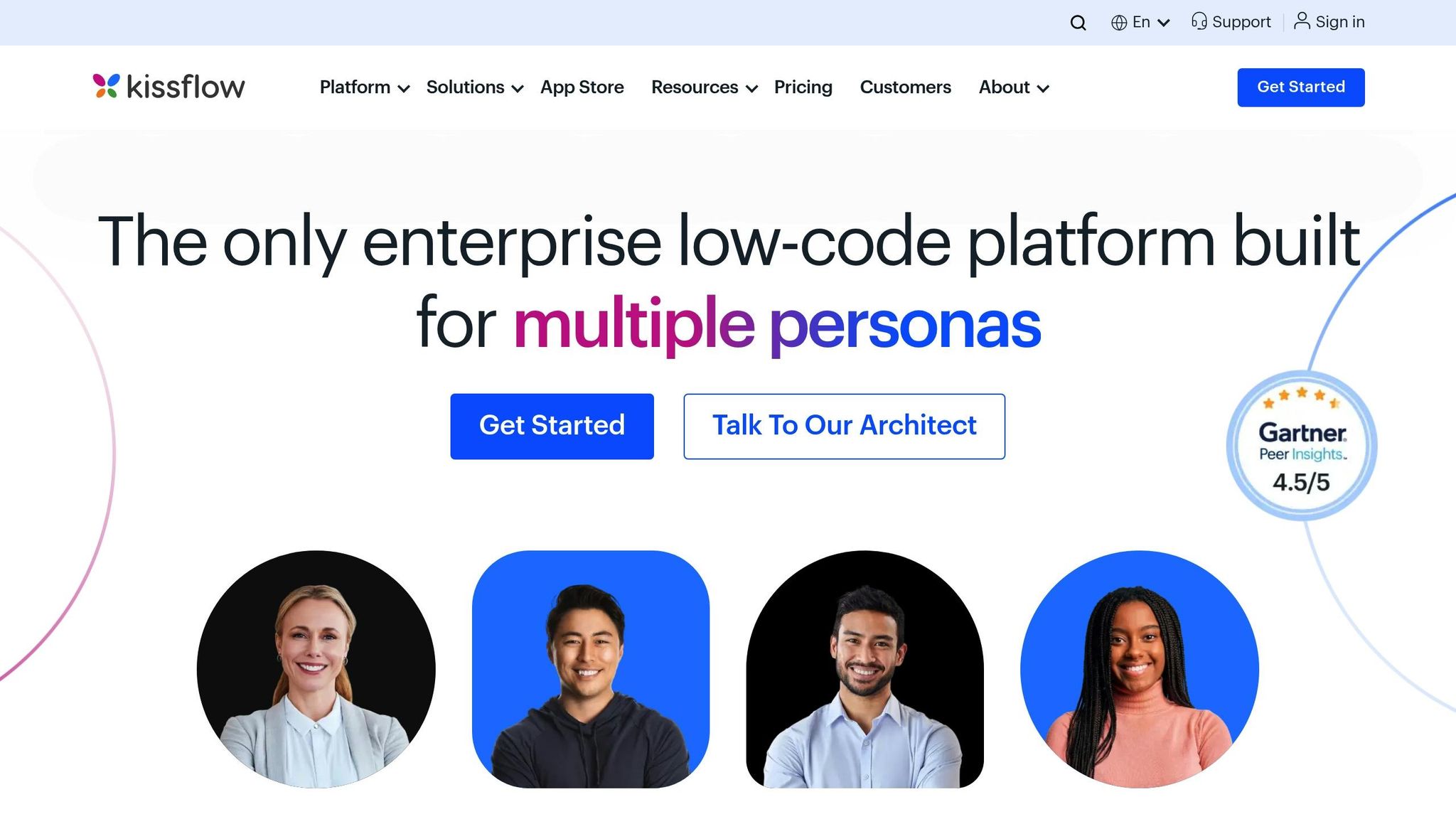
Kissflow is a no-code workflow automation platform that scores 4.3/5 on G2 and 4.2/5 on Capterra. It allows content teams to create custom approval, editorial, and publishing workflows quickly using a drag-and-drop interface. Like similar tools, Kissflow emphasizes automation and seamless integrations, making it a solid choice for streamlining content workflows.
Automation Capabilities
With Kissflow’s visual workflow builder, content teams can design approval processes, editorial workflows, and publishing pipelines effortlessly. The drag-and-drop interface simplifies customization, while features like customizable forms and role-based access ensure content moves only through authorized channels. Teams can also automate notifications to stay on top of deadlines, approvals, and workflow updates.
"The beauty of Kissflow is how quick and easy it is to create the apps I need. It’s so user-friendly that I made exactly what I needed in 30 minutes." – Oliver Umehara, IT Manager, SoftBank
Research shows that automating routine workflows can save businesses 15–20 hours per week per employee. Additionally, process and marketing automation have been linked to a 417% boost in revenue. For content teams juggling multiple campaigns and deadlines, these time and efficiency gains can be game-changing.
Integration Options
Kissflow supports a wide range of integrations, with 127,000 active connections and 49 million workflow runs across its users. It integrates seamlessly with tools like Google Docs, Slack, Gmail, Google Sheets, Google Calendar, and Microsoft Outlook. Its AI-powered setup simplifies configuration, data mapping, and workflow rules using natural language prompts, reducing the risk of manual errors. The platform also supports webhooks, enabling teams to share data with third-party applications. For instance, content teams can connect Google Docs directly to their workflows, allowing writers and editors to collaborate on final drafts. These integrations, combined with flexible pricing, make Kissflow adaptable to various content workflow needs.
Pricing
Kissflow uses a user-based pricing model with additional tiers for flexibility:
| Plan | Price | Users Included | Best For |
|---|---|---|---|
| Basic | $1,500/month | 50 users | Simple internal workflows |
| Enterprise | Custom pricing | Unlimited | Complex workflows with external users |
The Basic plan is perfect for teams with straightforward content processes, while the Enterprise plan caters to more complex needs, such as external collaborations, private clusters, and advanced automation options. Although Kissflow is pricier than some alternatives, it is rated 4.1/5 for value, thanks to its ability to simplify intricate workflows. Discounts are available for annual plans, non-profits, and educational institutions.
Content-Specific Features
Kissflow is particularly effective for managing intricate content workflows involving multiple stakeholders and approval stages, while also allowing for customization to meet unique team needs.
"We have complex processes. Kissflow helps us enforce standard processes and makes sure nothing gets lost or goes wrong." – Colin Bonner, VP Business Operations, Vonage
A standout example is CaratLane, India’s largest online jewelry retailer, which adopted Kissflow in 2017 to address inefficiencies caused by rapid growth. Ajith Singh, Head of Product Management, used Kissflow’s no-code tools to create custom applications for warehousing, quality checks, accounting, and customer service. This improved customer satisfaction, reduced reliance on IT, and increased accountability, all while enabling quick app creation.
For content teams, Kissflow enhances oversight of editorial calendars, simplifies approval workflows, and ensures accountability at every stage of production. Its reporting tools provide insights into workflow bottlenecks and performance metrics, allowing teams to refine processes and work more efficiently.
sbb-itb-593149b
5. Microsoft Power Automate
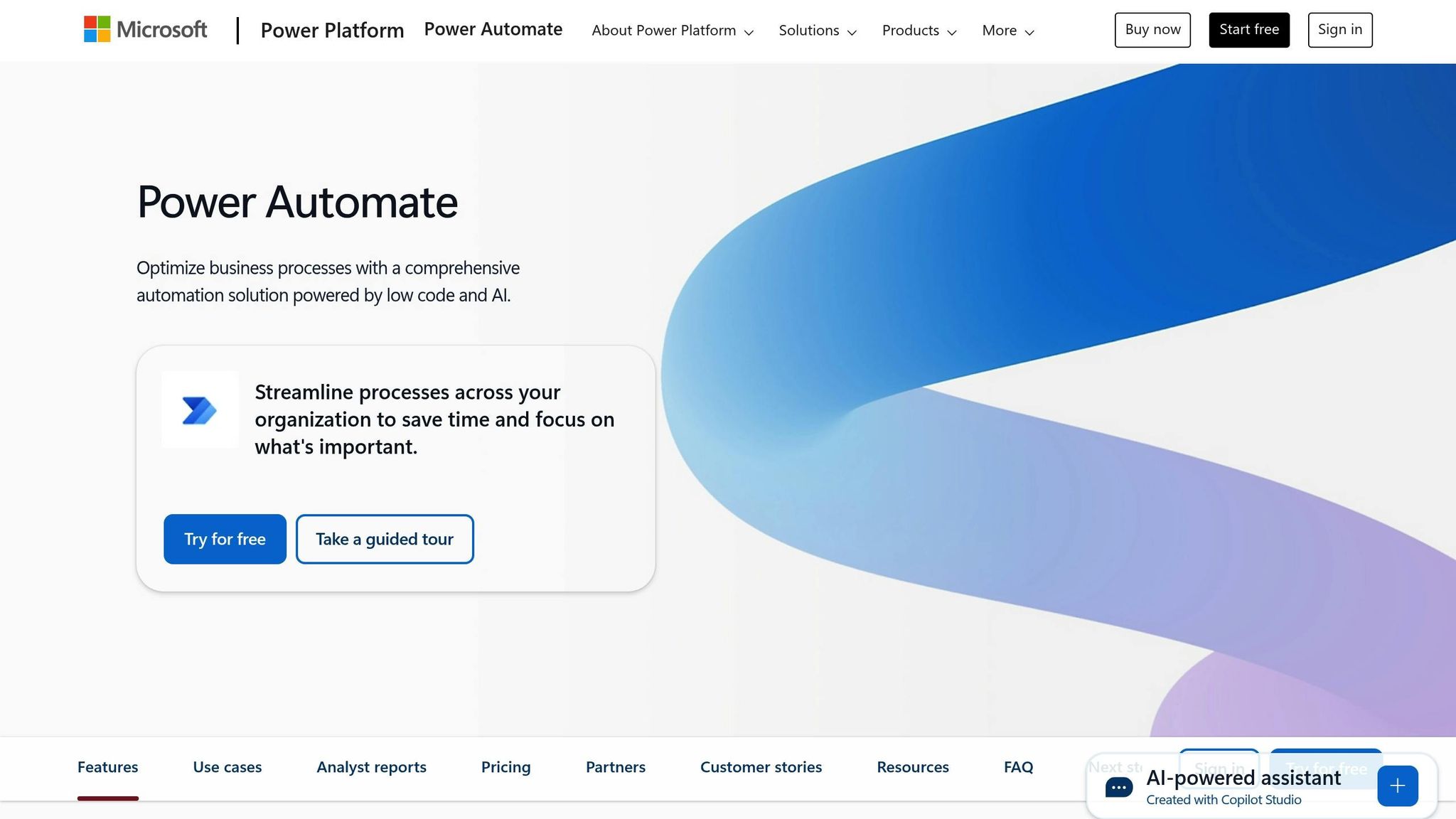
Microsoft Power Automate is a standout tool in the realm of AI-driven workflow automation, especially for those already using Microsoft’s suite of productivity tools. This platform seamlessly integrates with the Microsoft ecosystem, offering a drag-and-drop interface and low-code functionality to help teams automate tasks ranging from simple notifications to intricate, multi-app processes.
Automation Capabilities
Power Automate supports three types of automation flows – cloud flows, desktop flows, and generative actions – catering to diverse workflow needs. Its integration with Copilot takes automation to the next level, allowing users to create, modify, and expand workflows using natural language commands. With built-in GPT support, Copilot can even transform raw data into polished, engaging content, which is a game-changer for managing large datasets.
A Forrester study highlighted the platform’s efficiency, reporting a 248% ROI over three years. Employees saved an average of 200 hours annually, while development time was reduced by 20%. Real-world examples include Komatsu Australia, which saved over 300 hours of manual data entry in just three weeks, and Nsure, which reported 60% time and 50% cost savings [44,45].
"It used to take over 100 people to validate and standardize data to and from carriers. With generative AI and Power Automate, this same process can be managed by just a few people."
– John Haisch, VP of AI and Automation, Nsure [44,45]
Integration Options
Power Automate’s strength lies in its extensive integration capabilities. With over 900 connectors, it works seamlessly within the Microsoft 365 ecosystem and the broader Power Platform [47,48]. Users can trigger workflows directly from Power Apps, respond to data alerts in Power BI, or execute actions in Microsoft Copilot Studio. The platform also supports intelligent document processing through its AI Builder feature.
One practical use case comes from Desk365, where an automated workflow creates a task in Asana with complete ticket details whenever a ticket status changes. This example showcases how Power Automate bridges different systems to enhance efficiency.
Pricing
Power Automate offers flexible pricing plans to suit various business needs:
| Plan | Price | Best For |
|---|---|---|
| Power Automate Premium | $15.00/user/month (annual) | Individual users requiring premium features |
| Power Automate Process | $150.00/bot/month (annual) | Unattended automation and RPA scenarios |
| Power Automate Hosted Process | $215.00/bot/month (annual) | Cloud-hosted RPA with additional infrastructure |
Add-ons include Process Mining at $5,000/tenant/month and AI Builder starting at $500/unit/month [50,51]. A free 30-day trial is also available, giving teams the chance to explore the platform’s capabilities before committing.
Content-Specific Features
Power Automate is particularly effective for streamlining content workflows. Its advanced approval workflows and process management tools give content teams in the U.S. the ability to manage tasks with precision. Features like live monitoring, centralized governance, and elastic scaling ensure content managers have full visibility and adaptability.
Major corporations have seen significant benefits from Power Automate. Uber saved 3,400 hours annually and cut $30 million in costs, while Aon eliminated 20,000 redundant processes, achieving an 8% cost reduction [44,45].
"With Power Automate, we get the benefits of a Power Platform ecosystem that aligns with our future plans, including what we see as leading generative AI and process mining capabilities."
– Chad Aronson, Global Head of Intelligent Automation, Uber [44,45]
Prebuilt templates make it easy to deploy common workflows quickly, whether for data ingestion or custom reporting. Copilot’s natural language processing ensures even non-technical users can create or modify workflows with ease.
"Capabilities such as incoming case capture, case assignment, document management and mirroring functionalities in the SLA tool remove the need for work in two platforms simultaneously."
– Rohan Tiwari, IT Automation Platforms Owner, Aon [44,45]
6. ClickUp
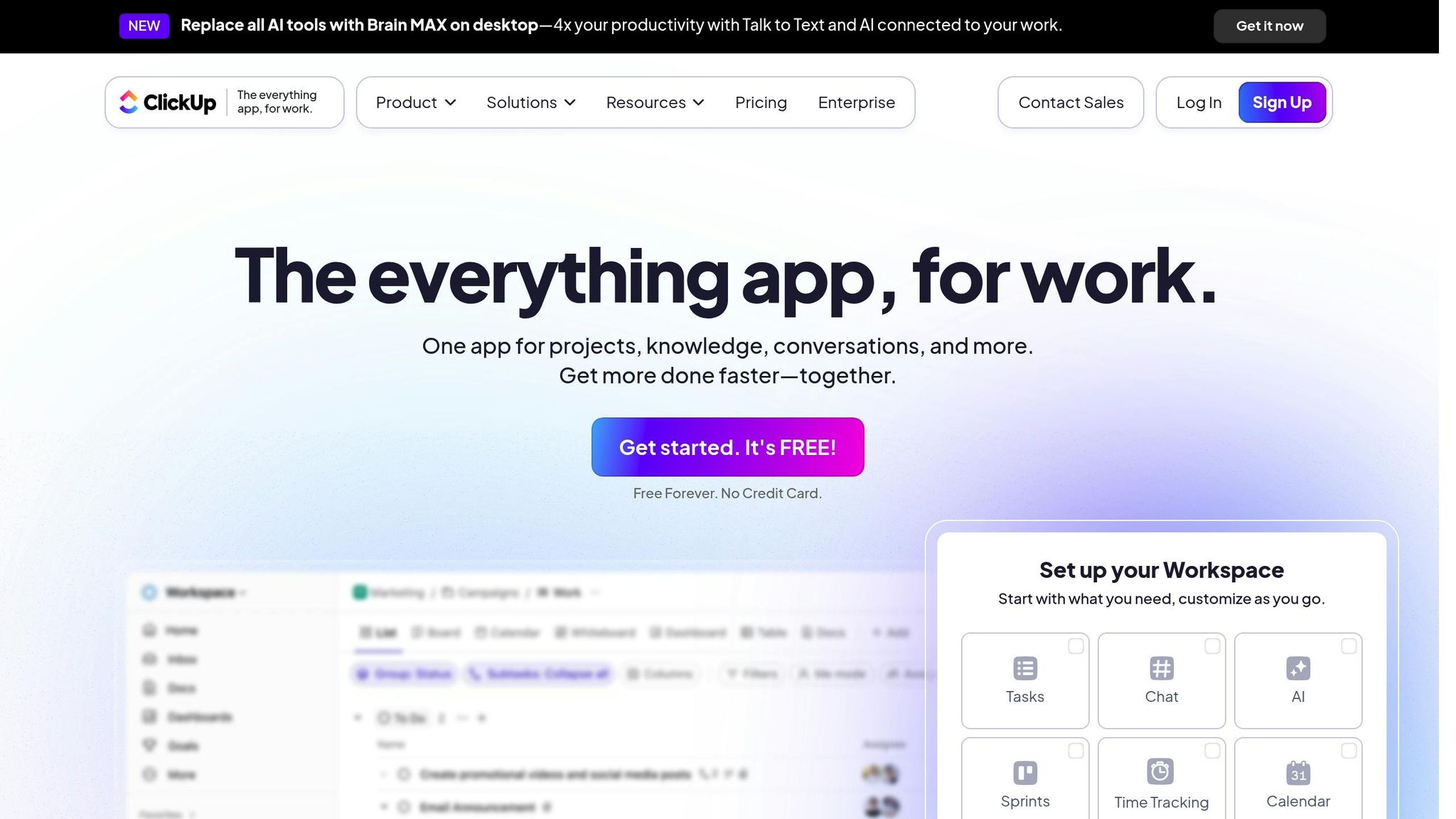
ClickUp combines project management with AI-driven workflow automation, making it a versatile tool for teams managing content workflows. It brings together traditional project management features and advanced AI capabilities to streamline and simplify processes.
Automation Capabilities
ClickUp’s automation engine is packed with over 100 prebuilt templates and an AI Automation Builder that turns plain English instructions into automated workflows. It supports advanced triggers, such as automatically assigning tasks based on user actions, and includes email automation that syncs with task actions and form submissions to keep everyone in the loop.
With ClickUp Brain, teams can create workflows using natural language, and AI Custom Fields help automate summaries and task updates, cutting down on manual work. For instance, when a client reports a bug, the system can automatically generate a GitHub issue using a standardized template. Similarly, when a task’s status changes to "Draft completed", the platform can assign it to an SEO specialist for blog post creation. These features also integrate seamlessly with external tools, extending their usefulness beyond ClickUp’s native environment.
Integration Options
ClickUp enhances its automation capabilities with integrations for tools like HubSpot and GitHub through webhooks, allowing users to extend workflows across platforms. These webhook features support custom integrations, enabling teams to build automation chains that connect multiple tools.
Pricing
ClickUp provides a Free Forever plan and three paid tiers to accommodate content teams of various sizes:
| Plan | Monthly Price | Annual Price | Best For |
|---|---|---|---|
| Free Forever | $0 | $0 | Small teams with basic automation needs |
| Unlimited | $10/user | $7/user | Growing teams needing advanced features |
| Business | $19/user | $12/user | Teams with complex workflows |
| Enterprise | Contact Sales | Contact Sales | Large organizations with custom needs |
The ClickUp AI add-on is available for $7/user per month on paid plans. With the Unlimited plan priced at $7/user monthly (billed annually) and the Business plan at $12/user monthly, ClickUp offers a cost-effective solution for teams seeking powerful automation.
Content-Specific Features
ClickUp’s custom triggers and AI Custom Fields are particularly helpful for content teams. These tools automate task summaries and track workflow bottlenecks in real time. Teams can design custom automations with triggers, conditions, and actions tailored to their editorial processes. The platform also encourages a systematic approach to improving workflows by identifying inefficiencies like bottlenecks or overdue tasks. This focus on continuous testing and refinement helps teams stay efficient and productive.
7. Jasper AI
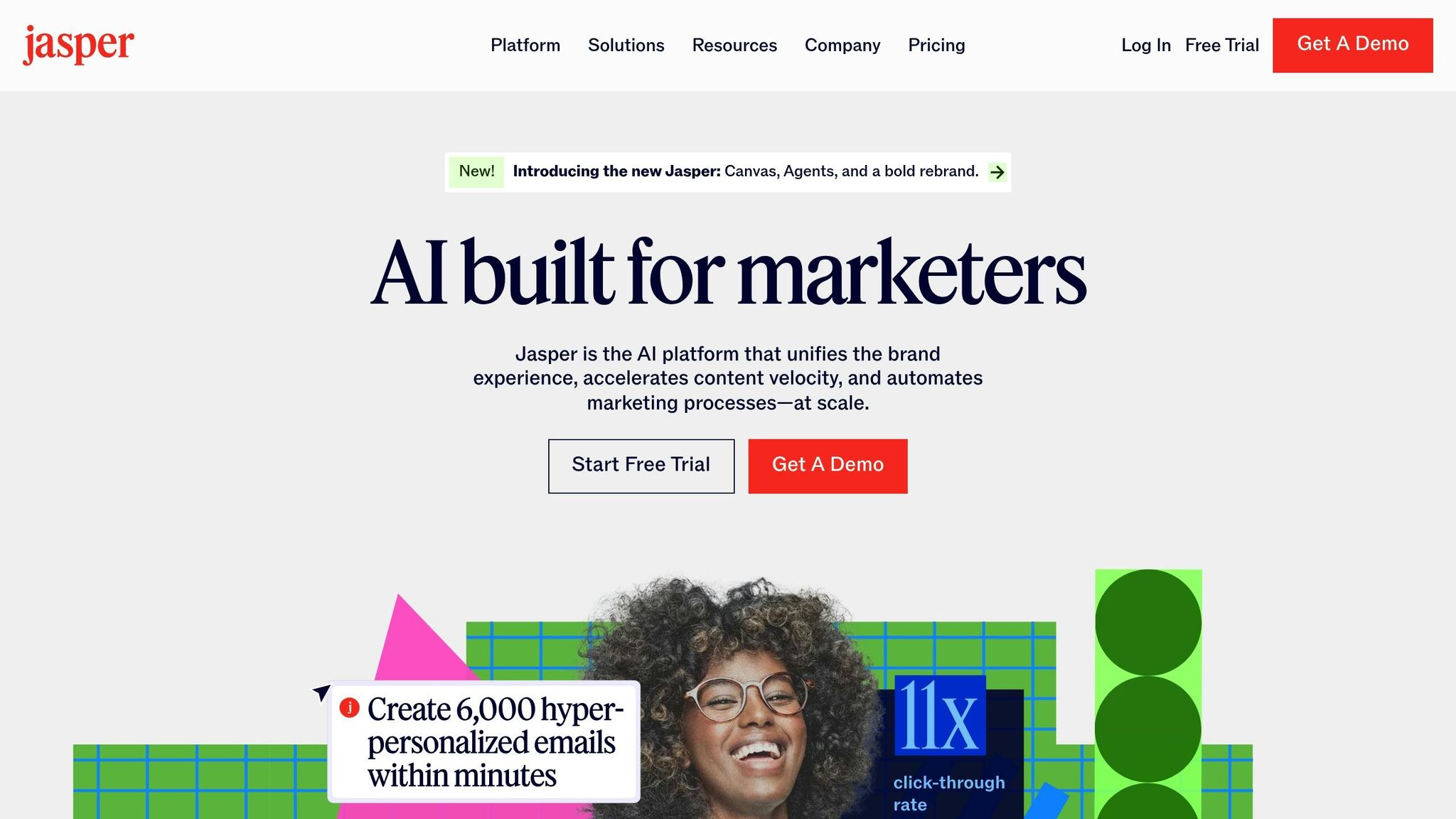
Jasper AI is tailored for marketing teams looking to streamline creative content production. Unlike traditional project management tools, Jasper focuses on automating the creative and strategic elements of content creation while keeping brand messaging consistent.
Automation Capabilities
Jasper AI’s automation engine, built on AI-powered apps, workflows, and agents, integrates seamlessly with existing marketing tools. It ensures a unified brand voice across all content, reducing the need for constant manual checks against brand guidelines. With over 100 marketing apps, Jasper simplifies tasks like crafting product descriptions and website copy while maintaining uniformity. The platform also offers tools for automated campaign creation and template-based workflows, allowing teams to transform data from platforms like HubSpot or Salesforce into targeted marketing campaigns.
"Our marketing teams have cracked the code of using Jasper as an agentic partner in our day-to-day lives, transforming how we work, collaborate and evolve as an organization." – Elaina Shekhter, Chief Marketing & Strategy Officer
Integration Options
Jasper connects with over 5,000 platforms, making it compatible with tools like HubSpot, Marketo, and Salesforce. It also integrates with content creation platforms such as Google Docs, Google Sheets, Microsoft Word, and Webflow. For search engine optimization, Jasper works with Surfer SEO to enhance keyword research, content planning, and SERP analysis. Additional integrations include automation services like Zapier, Make, and Pabbly Connect. For custom workflows, Jasper offers a robust API and a Chrome extension that brings AI functionality directly into your browser. These integrations make Jasper a central hub for marketing workflows.
Pricing
Jasper AI offers three pricing plans to accommodate different team sizes and complexity levels:
| Plan | Monthly Price | Annual Price | Users | Brand Voices | Knowledge Assets |
|---|---|---|---|---|---|
| Creator | $49 | $39 | 1 | 1 | 5 |
| Pro | $69 | $59 | Up to 5 | 3 | 10 |
| Business | Custom | Custom | Unlimited | Unlimited | Unlimited |
The Creator plan is perfect for solo users with basic automation needs. The Pro plan adds collaboration tools, AI-generated imagery, and three Instant Campaigns. For larger organizations, the Business plan offers enterprise-level features, including unlimited users, custom workflows, and dedicated account management. Both the Creator and Pro plans come with a 7-day free trial, and annual subscriptions include a 20% discount.
Content-Specific Features
Jasper AI goes beyond automation by refining campaign creation and ensuring brand consistency. Its Marketing AI Editor makes it easier to create and edit content at scale, while Jasper Chat provides conversational AI with domain-specific expertise to handle complex content tasks. Whether you’re writing blog posts, email campaigns, product descriptions, or other marketing materials, Jasper ensures a cohesive brand voice across all outputs.
"Jasper has the potential to fundamentally transform the way marketing teams operate by boosting efficiency, accelerating execution, and delivering high-quality campaigns faster." – Bryan Olshock, Chief Marketing Officer
Jasper AI offers a comprehensive solution for marketing teams seeking to streamline workflows, maintain consistent branding, and scale creative efforts efficiently.
Advantages and Disadvantages
After our detailed reviews of these tools, here’s a summary of their strengths and weaknesses to help you make an informed decision. Evaluating each tool’s capabilities and limitations can guide you toward the best content automation solution for your needs.
Universal Benefits and Common Challenges
AI automation can increase productivity by as much as 40% and deliver a 250% ROI, according to studies. These tools excel at minimizing human error and handling repetitive tasks around the clock. They also help identify and address bias in decision-making processes, allowing teams to focus on higher-level strategies.
On the flip side, these tools can be challenging for non-technical users to navigate and may miss errors that require human judgment. They often rely on large datasets to operate effectively, which can be costly to maintain. Additionally, privacy and security concerns remain a significant consideration, and teams may need extensive training to use these platforms effectively.
| Tool | Strengths | Weaknesses | Best For |
|---|---|---|---|
| FlowForma | Transparent pricing ($2,180/month), unlimited process creation, no hidden costs | High upfront cost; may overwhelm smaller teams | Large enterprises needing workflow management |
| Automation Anywhere | Highly rated (4.5/5 on G2), robust automation, enterprise-grade security | Custom pricing; complex setup; requires technical expertise | Enterprises with complex automation needs |
| Creatio | High ratings (4.7/5), affordable at $25/user/month, strong CRM integration | Limited content-specific features; steep learning curve | Teams needing CRM-integrated automation |
| Kissflow | User-friendly interface; flexible pricing; good ratings (4.3/5) | Expensive for larger teams ($30/user/month); some costly plans | Mid-sized teams with moderate needs |
| Microsoft Power Automate | Seamless Microsoft 365 integration; supports 350+ apps; familiar interface | High pricing; limited customization outside Microsoft tools | Microsoft-centric organizations |
| ClickUp | All-in-one solution; affordable pricing; strong project management features | Can feel cluttered; steep learning curve | Teams needing project management + automation |
| Jasper AI | Marketing-focused tools; integrates with major platforms; strong branding features | Limited to content creation; requires marketing expertise | Marketing teams scaling content production |
Integration and Compatibility
Integration capabilities vary widely. Microsoft Power Automate works seamlessly within the Microsoft ecosystem but can feel restrictive when working with non-Microsoft tools. Jasper AI shines with its marketing platform integrations, while Automation Anywhere offers enterprise-grade options that require a more technical approach. Creatio focuses heavily on CRM integration, which makes it ideal for teams already invested in CRM-based workflows.
Cost Considerations
Pricing structures differ significantly across tools. Some, like FlowForma, involve a substantial upfront cost, while others, such as Creatio, offer affordable per-user plans. However, it’s important to factor in the total cost of ownership, which includes training, implementation, and ongoing maintenance – not just the monthly fees.
Ease of Use and Learning Curve
Ease of use varies by tool. Jasper AI and ClickUp are designed with user-friendliness in mind, making them more approachable for beginners. On the other hand, Automation Anywhere and FlowForma deliver powerful features that can be overwhelming for new users. When choosing a tool, consider your team’s technical expertise and how much time they can dedicate to learning the platform.
Selecting the right AI tool for content workflow automation comes down to balancing features, integration, cost, and your team’s comfort level with technology. Start small, keep learning, and remember that these tools are best used as assistants to complement, not replace, human oversight.
Conclusion
Choosing the right AI tool boils down to understanding your team’s specific needs, budget constraints, and technical know-how. By analyzing automation features, integration options, pricing, and content-focused capabilities, you can find a solution tailored to your business size and goals.
For smaller teams with tight budgets, ClickUp stands out as an affordable option with a strong suite of project management tools. As businesses scale, priorities often shift toward tools with advanced CRM and workflow integration. For mid-sized organizations, Creatio offers excellent CRM capabilities, while Kissflow provides solid workflow solutions, though costs may rise as your operations grow.
Larger enterprises with complex automation demands might consider FlowForma or Automation Anywhere. FlowForma, with a starting price of $2,180 per month, is ideal for intricate workflows, while Automation Anywhere delivers enterprise-grade reliability. On the marketing side, teams focused on content creation can leverage Jasper AI for its advanced content generation features.
However, price isn’t the only factor to weigh. U.S.-based businesses managing sensitive customer data should prioritize tools with strong security and privacy measures. Additionally, look for platforms with transparent pricing, seamless integration with your existing tech stack, and scalability to support your growth.
Start your evaluation by identifying your specific goals and use cases. Take advantage of free trials or community editions to test the waters before committing to a paid plan. With the industrial automation services market projected to grow from $147.06 billion in 2019 to $264.69 billion by 2026, investing in the right tools now can position your business for long-term growth.
FAQs
What’s the best way to choose an AI tool for automating my content workflows?
When picking an AI tool to automate your content workflows, the first step is to pinpoint your business’s specific needs. Are you looking to simplify content creation, enhance team collaboration, or better manage your publishing schedule? Once you’ve defined your priorities, explore tools that offer features matching those goals. Checking user reviews can also give you insight into their reliability and how satisfied other customers are.
Look for tools that can grow with your business and deliver clear, measurable outcomes. Start by testing them on smaller, impactful tasks to gauge their effectiveness. Also, make sure your team gets the training they need to ensure a smooth transition. The key is finding a tool that strikes the right balance between functionality, ease of use, and how well it fits into your existing workflow.
What should I consider when integrating AI tools into my content management system?
When bringing AI tools into your content management system (CMS), start by focusing on how well they fit with your current setup. Your CMS should be able to work with AI features without causing major disruptions. Take a close look at the quality and organization of your existing data – this ensures the integration runs smoothly and produces accurate AI-driven results.
It’s also crucial to put data privacy at the forefront. Make sure your system complies with regulations to keep sensitive information secure. To make the process seamless, collaborate with different teams to align on goals and map out a clear strategy for the integration. By following these steps, you can make the most of what AI has to offer while keeping potential issues to a minimum.
How do AI tools improve brand consistency and streamline content creation?
AI tools help maintain brand consistency by ensuring that all content reflects your brand’s specific voice, tone, and style. By training these tools to follow set guidelines, businesses can keep their messaging uniform across various platforms, making their branding more cohesive and recognizable.
Beyond that, these tools simplify the content creation process by automating repetitive tasks, generating visuals, and scaling up production. This doesn’t just save time – it also increases efficiency, freeing up teams to concentrate on strategic planning and creative projects.